
Programmatic SEO Mistakes: Why It Fails and How to Fix It
Programmatic SEO mistakes that sink page sets: thin templates, cannibalization, index bloat, orphaned pages. How to spot each in Search Console and fix it.
Originally published: October 12, 2026 Last updated: October 12, 2026
The most common programmatic SEO mistakes are templates that produce pages differing only in a swapped variable, patterns that target searches nobody makes, and one technical error repeated across thousands of URLs. Google often crawls those pages and leaves them out of the index. The fix is fewer, better pages: unique data per page, clean templates, and strong internal links.
Programmatic SEO is building many pages from one template and one dataset. If you want the full definition and when it works, start with our guide to programmatic SEO.
This page covers the other side. You launched a page set, and the pages are sitting in Search Console as crawled and not indexed, or they’re indexed and earning nothing.
Below are 8 mistakes we see often, how to confirm each one in Google Search Console, and how to fix it.
Why Programmatic SEO Fails for SaaS
Programmatic SEO fails for SaaS when one weak template decision repeats across a whole page set. SaaS teams often build programmatic page sets: integration pages, use-case pages, comparison pages, alternatives pages. Each set shares one template, so a mistake in that template shows up on every URL.
That’s a big part of why I like Webflow CMS collections for this work. Webflow’s CMS lets you build many pages from one template and one dataset, so a page set can grow quickly.
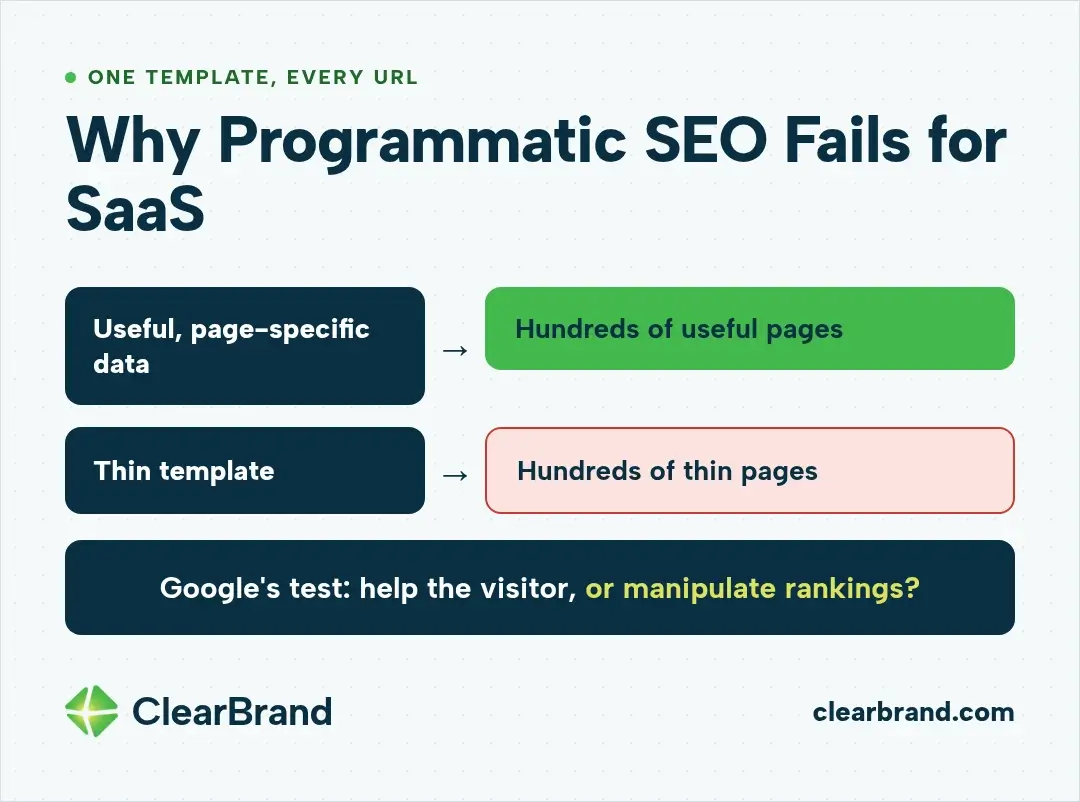
That scale cuts both ways. A template filled with useful, page-specific data gives you hundreds of useful pages, and a thin template gives you hundreds of thin ones.
What Google’s spam policy says about scaled pages
Scaled content abuse is the Google spam policy most programmatic page sets run into. Google added it in its March 2024 core update and spam policy changes, and the policy reads:
“Scaled content abuse is when many pages are generated for the primary purpose of manipulating search rankings and not helping users. This abusive practice is typically focused on creating large amounts of unoriginal content that provides little to no value to users, no matter how it’s created.”
Source: Google Search Central, Spam policies for Google web search
The words “no matter how it’s created” mean Google applies the same test whether a page came from a template, AI, or a human writer: is it made to help the person who lands on it, or to manipulate rankings?
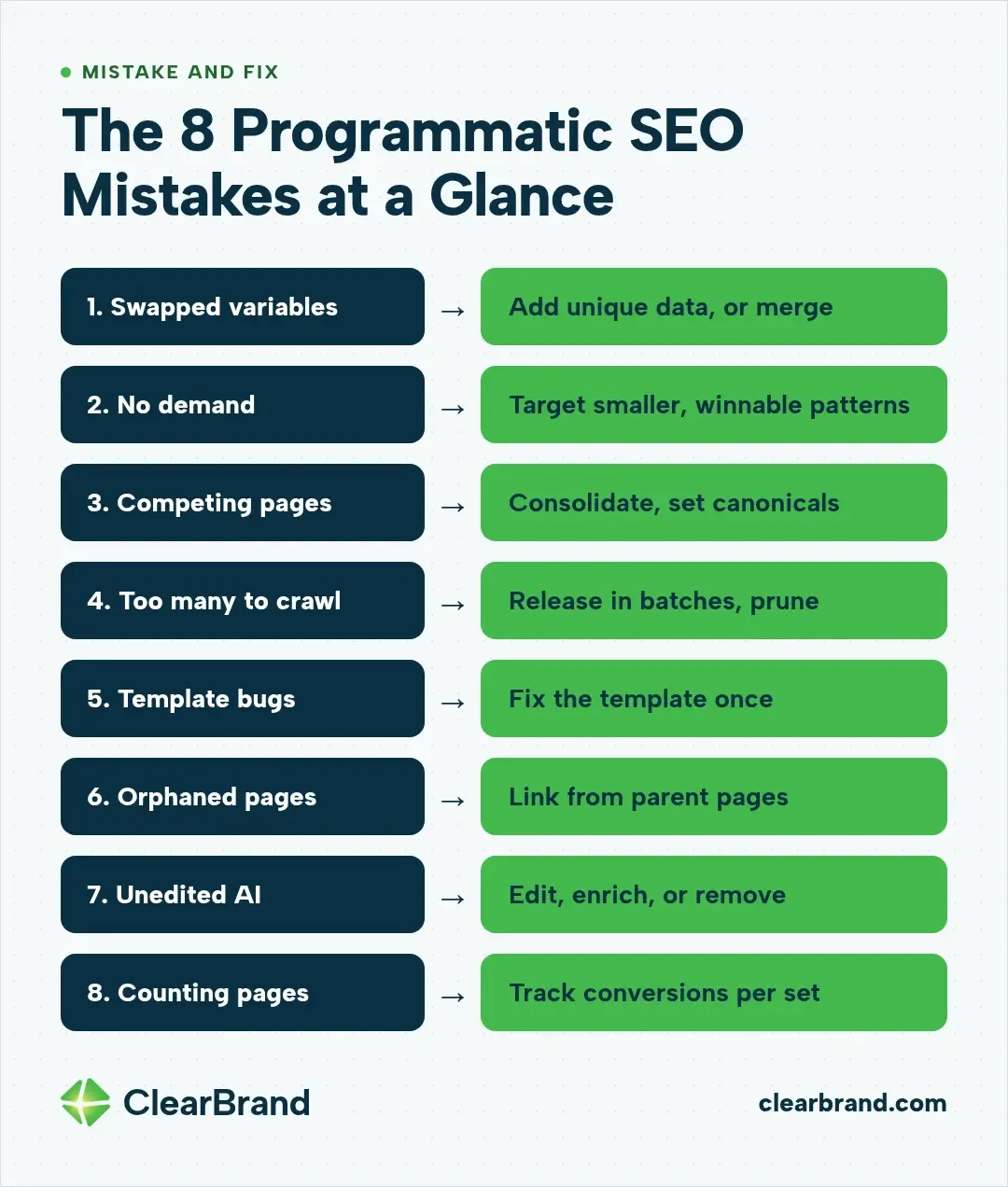
The 8 Programmatic SEO Mistakes at a Glance
| # | Mistake | First Search Console signal | Fix |
|---|---|---|---|
| 1 | Swapped-variable pages | Page indexing: Crawled - currently not indexed | Add data unique to each page, or merge |
| 2 | Patterns with no demand or no chance | Performance: near-zero impressions on the set | Target smaller, winnable patterns |
| 3 | Pages that compete with each other | Page indexing: Duplicate without user-selected canonical | Consolidate and set canonicals |
| 4 | Publishing more than Google will crawl | Page indexing: Discovered - currently not indexed | Release in batches, prune |
| 5 | Template-level technical bugs | URL Inspection on a sample of URLs | Fix the template once |
| 6 | Orphaned pages | URL Inspection: no referring page; Links report | Link the set from parent pages |
| 7 | Unedited AI output at scale | Manual actions report | Edit, enrich, or remove |
| 8 | Measuring pages instead of leads | Performance report vs. demo and signup data | Track conversions per page set |
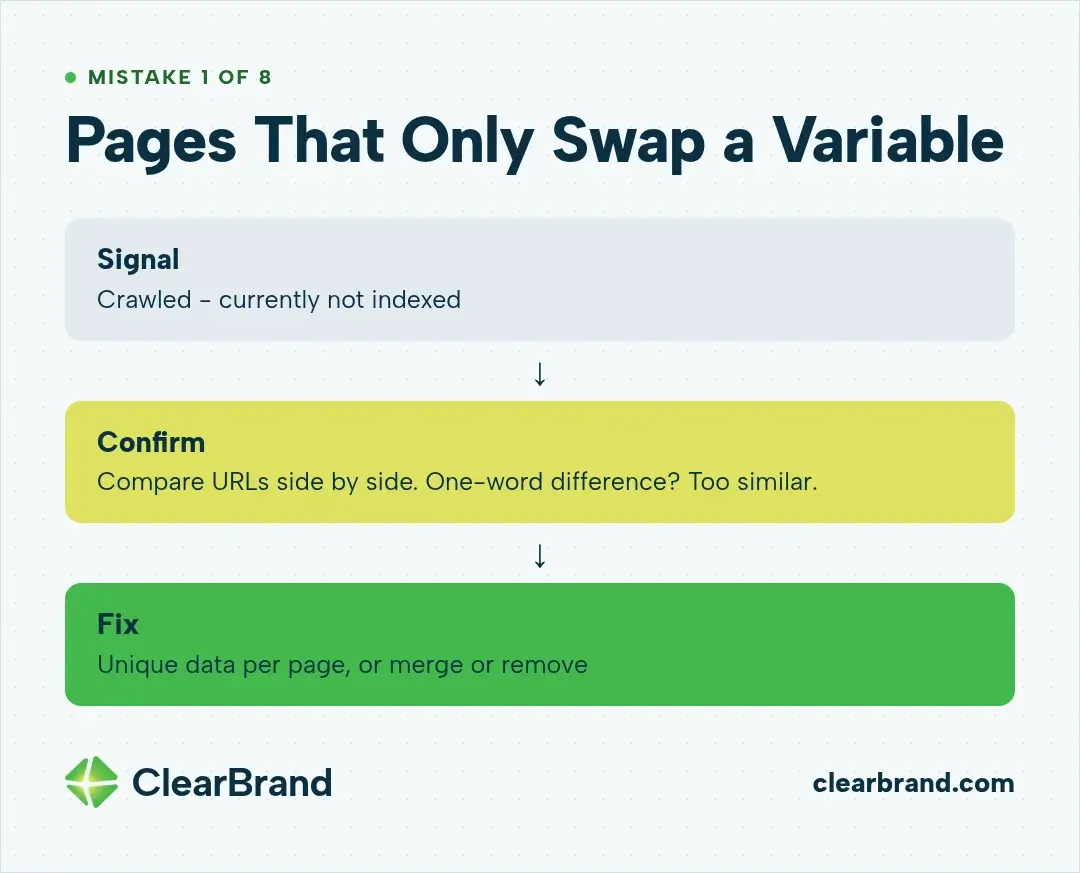
Mistake 1: Pages That Only Swap a Variable
A swapped-variable page is thin content: it changes the city, tool name, or industry in the heading and keeps everything else. A searcher gets nothing from page 400 that page 1 didn’t already give them.
How to diagnose it in Search Console
Submit a sitemap containing only the page set, then filter the Page indexing report to that sitemap. A large share under “Crawled - currently not indexed” means Google crawled the pages and hasn’t indexed them. Google notes they may or may not be indexed later.
Spot-check a few URLs with URL Inspection and compare them side by side. If you can describe the difference in one word, the pages are probably too similar.
How to fix it
Give each page data that exists only on that page, such as its specifications, examples, and answers to the question that page targets. If a page has nothing unique to say, merge it into a parent page or remove it.
We hold our home builder client, Dunn & Stone, to that standard on their service-area pages. A big part of our strategy there is a service-area page for each city and town. Those pages can’t be near-duplicates with a few details swapped, so we write each one to be fully unique. They typically perform well.
Mistake 2: Building on Patterns Nobody Searches or Nobody Can Win
A page set fails when its pattern has no search demand or targets terms owned by competitors with far more authority. Some sets target modifiers nobody searches for. Others go after broad, high-volume terms (head terms) they can’t win.
How to diagnose it in Search Console
In the Performance report, add a Pages filter set to “URLs containing” the set’s URL pattern. Indexed pages with near-zero impressions over 3 months likely target patterns with little demand, rank too low to be seen, or both.
How to fix it
Pick narrower patterns where the audience is specific and the competition is thinner. We used the same logic for keyword targeting with KleerCard, a fintech SaaS client. “Best credit cards for small businesses” has plenty of search volume, but we couldn’t win it against those competitors.
So we went after “best credit cards for churches,” “best credit cards for nonprofits,” and “best credit cards for school districts.” Those terms get less search volume, but they’re ones we could actually win.
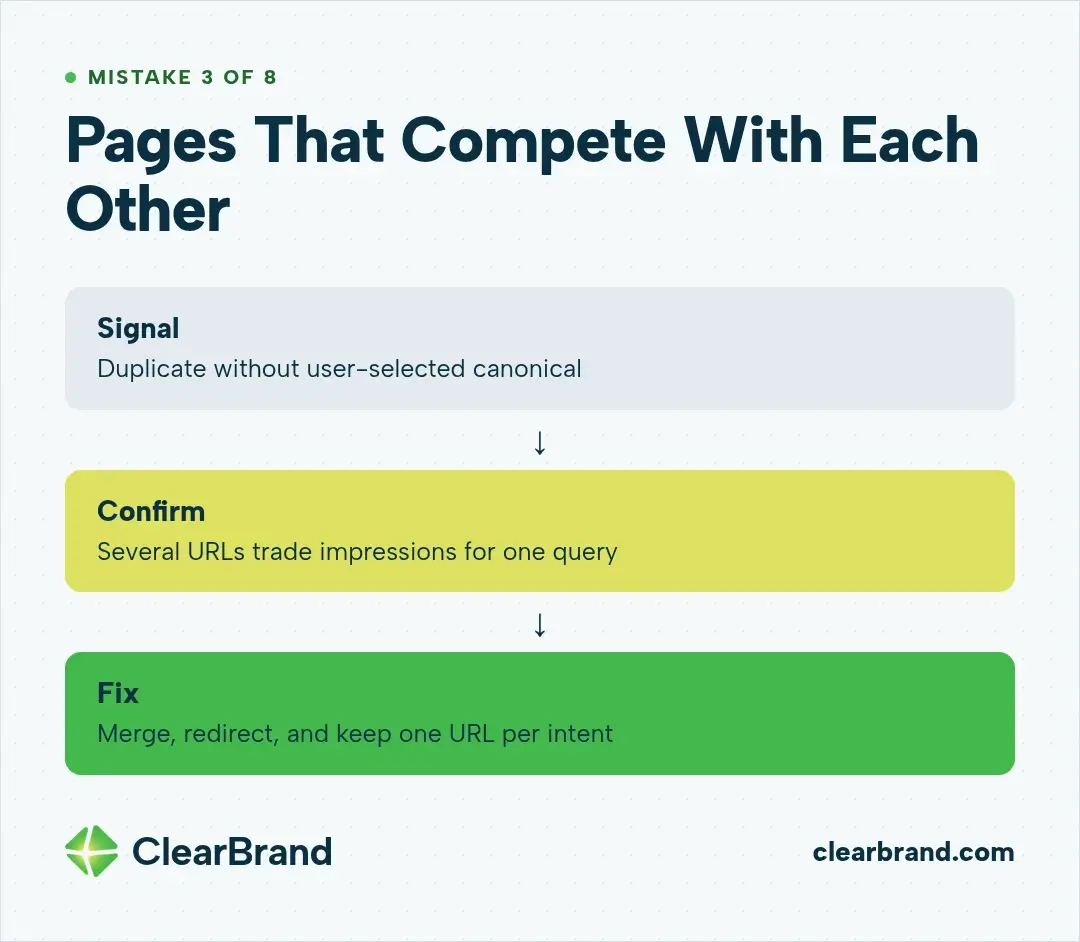
Mistake 3: Pages That Compete With Each Other
Two templates can target the same intent: a “Slack integration” page and a “connect Slack” page, or a “best X for Y” page and a “Y X software” page. Google usually picks one as the canonical and leaves the other out of search results.
How to diagnose it in Search Console
Check the Page indexing report for “Duplicate without user-selected canonical” and “Duplicate, Google chose different canonical than user.” Use URL Inspection to see which URL Google selected as canonical.
In the Performance report, filter by a single query and switch to the Pages tab. If several of your URLs trade impressions for the same query, they’re competing with each other, which SEOs call cannibalization.
How to fix it
Merge overlapping pages into one, redirect the pages you drop, and set a canonical on any variant you keep for users. Each search intent should end up with a single URL.
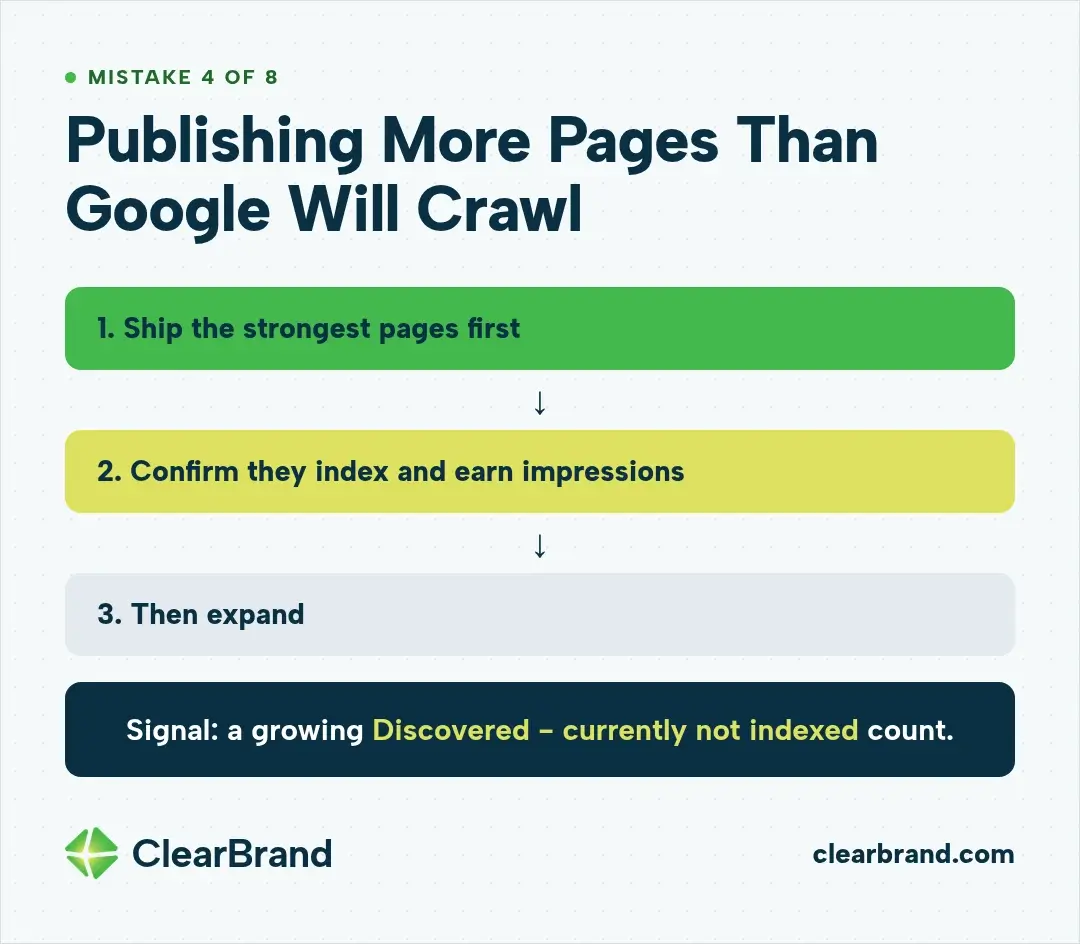
Mistake 4: Publishing More Pages Than Google Will Crawl
When you publish more pages than Google will crawl, much of the set sits waiting: Google knows the URLs exist but hasn’t crawled them yet. Launching thousands of URLs at once asks Google to spend crawl budget (the number of pages it’s willing to crawl on your site) on a site that may not have earned it yet.
How to diagnose it in Search Console
In the Page indexing report, a large and growing “Discovered - currently not indexed” count means Google knows the URLs and hasn’t crawled them. The Crawl Stats report (under Settings) shows whether crawl requests rose when you launched.
How to fix it
Release in batches. Ship the strongest pages first, confirm they index and earn impressions, then expand. Noindex or remove variants that still don’t earn impressions.
Mistake 5: One Template Bug Repeated on Every Page
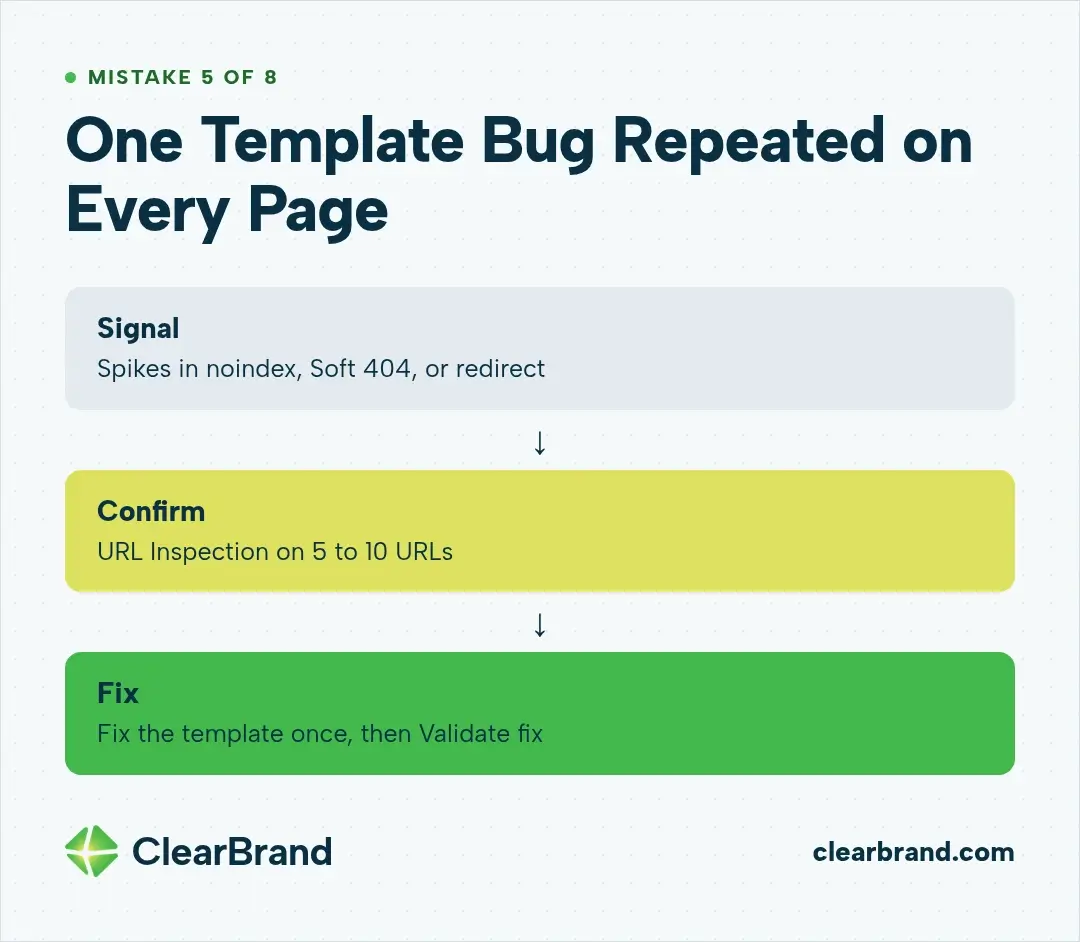
A template bug is a single error in the template, so it shows up on every page built from it. A wrong canonical, a noindex tag left over from staging, a broken heading structure, or a slow component appears on every URL in the set.
A first audit often turns up technical problems founders didn’t know they had. Slow page speed and messy heading structure come up a lot, along with all sorts of other issues.
How to diagnose it in Search Console
Run URL Inspection on 5 to 10 URLs from the set, then use Test live URL. Check user-declared vs. Google-selected canonical and whether indexing is allowed.
In the Page indexing report, watch for spikes in “URL marked ‘noindex’,” “Soft 404,” or “Page with redirect” that line up with a template change.
How to fix it
Fix the template once, then use Validate fix in the Page indexing report so Google rechecks the affected URLs.
Mistake 6: Orphaned Pages With No Internal Links
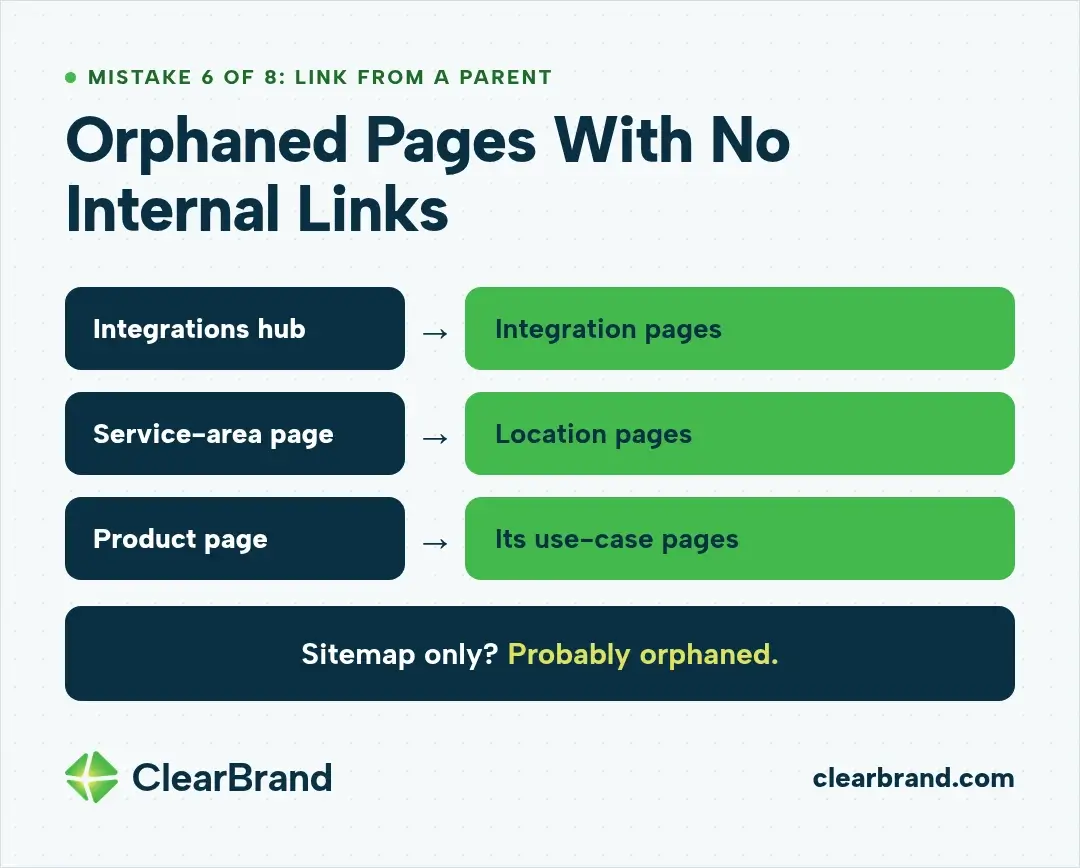
An orphaned page has no internal links pointing to it. A page set listed only in a sitemap has no path from the rest of the site. Google can still find it, but no link from your own pages tells Google the page matters.
How to diagnose it in Search Console
In URL Inspection, the Discovery section shows the sitemaps and referring page Google has for the URL. A page that lists only a sitemap may be orphaned. Google notes that a missing referring page doesn’t prove none exists, so confirm with a crawl of your own site.
The Links report shows which pages get the most internal links. If the page set barely appears, it’s probably poorly linked.
How to fix it
Link each page from a relevant parent: integrations from an integrations hub, locations from a service-area page, use cases from the product page they support. Add links between closely related pages in the set.
Mistake 7: Publishing Unedited AI Output at Scale
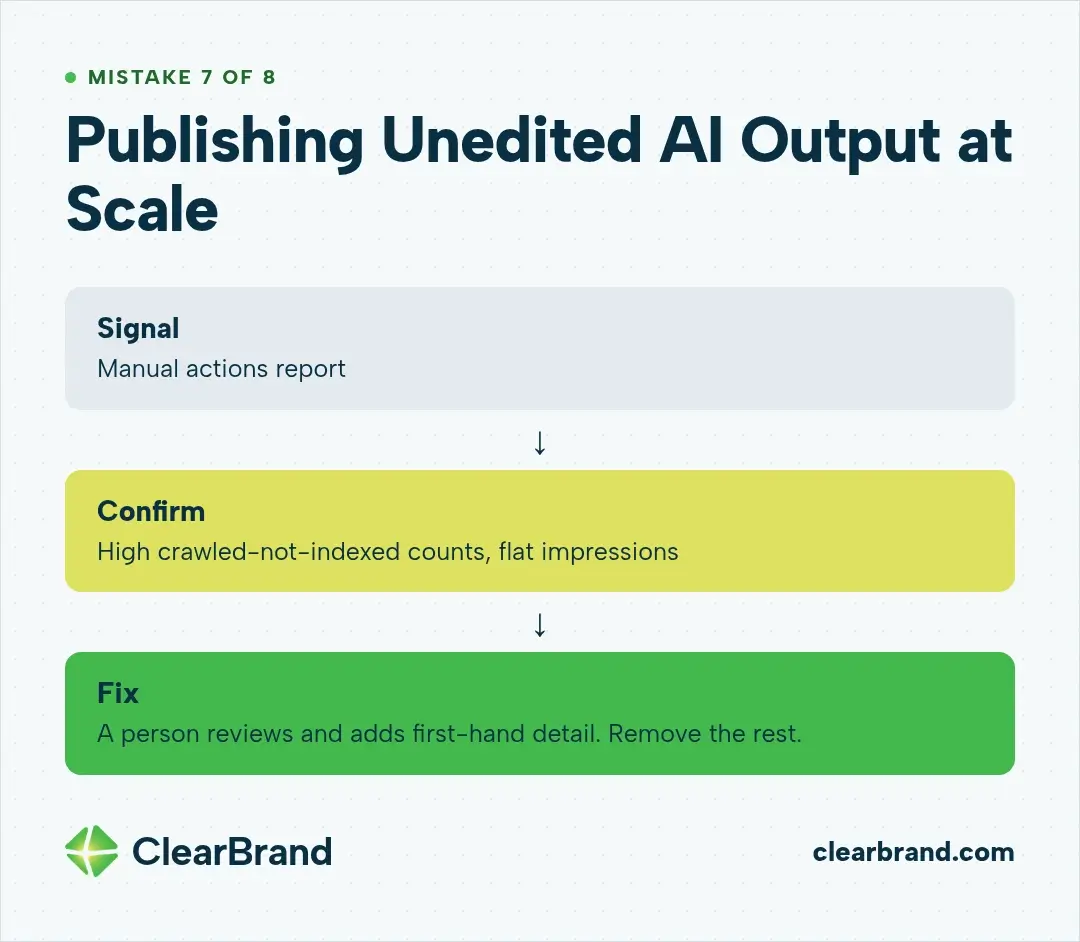
Unedited AI output at scale is the fastest way to fill a template with pages that add nothing. AI makes it cheap to fill every template field. Google’s policy lists “using generative AI tools or other similar tools to generate many pages without adding value for users” as an example of scaled content abuse.
How to diagnose it in Search Console
Check the Manual actions report. A manual action describes the issue and lists patterns of affected pages. Without one, the signals are the same as Mistake 1: high “Crawled - currently not indexed” counts and flat impressions.
How to fix it
Have a person review and add first-hand detail to every page you keep. Remove the rest. If you received a manual action, fix every affected page, select Request Review in the Manual actions report, and describe your fixes in the reconsideration request.
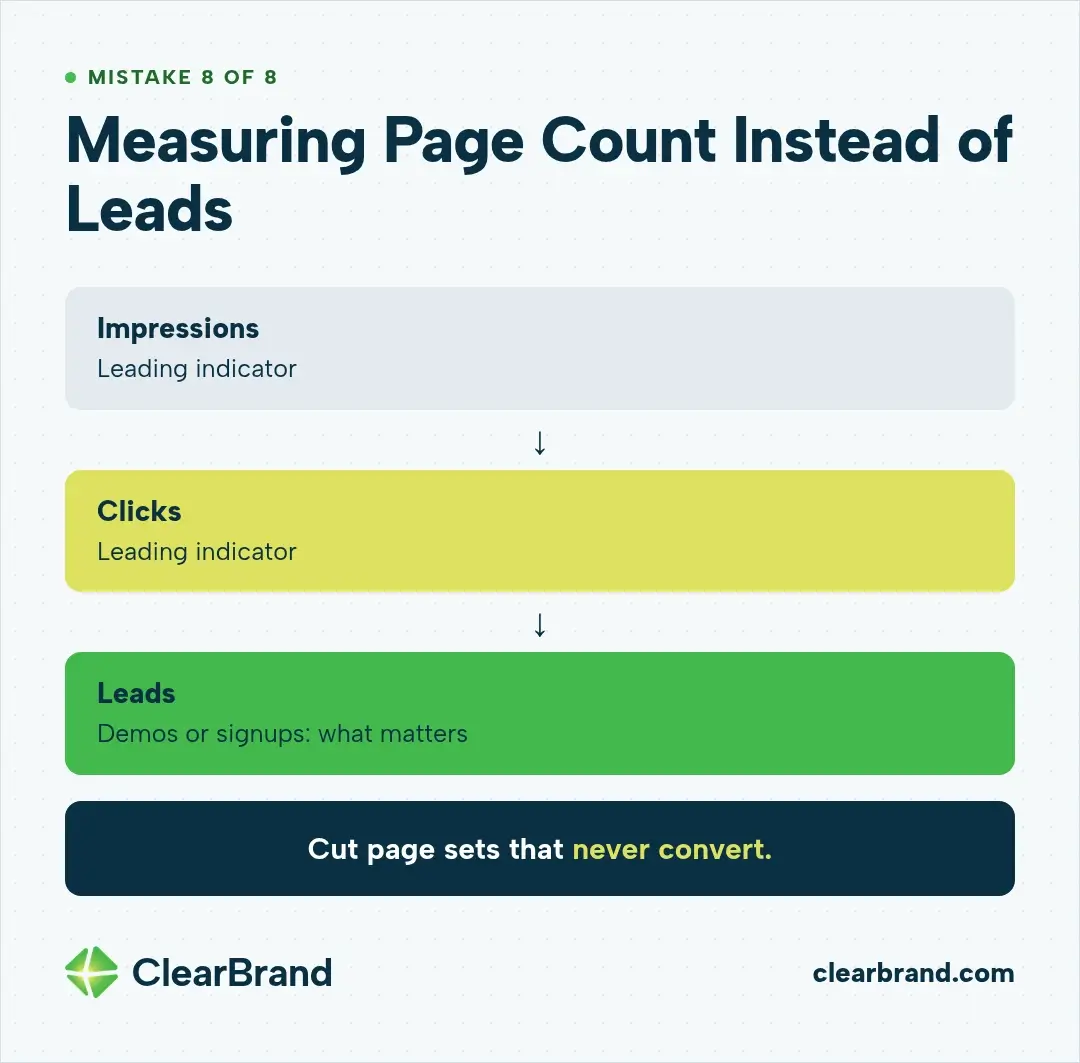
Mistake 8: Measuring Page Count Instead of Leads
We judge a page set by the leads it brings in. Indexed pages and impressions are easy to count, but a program only pays for itself when those pages turn into demos or signups. For SaaS, those leads are usually demos or signups, and they’re the metric I watch most closely.
We still work to grow clicks for our clients, and they do grow. I treat impressions and clicks as leading indicators, meaning early signs that show up before leads do. When they move, I know the work is heading the right way. But the only numbers that actually matter are leads and sales.
How to diagnose it
Export Performance report data filtered to the page set and compare it with demo and signup data by landing page in your analytics. If a set gets clicks but no conversions, it’s bringing in visitors who don’t become leads.
How to fix it
Give every template a conversion path that fits its intent: an integration page points to a trial, a comparison page to a demo. Cut page sets that never convert.
A Search Console Checklist for a Failing Page Set
Run this checklist at launch and again on a regular schedule, because a page set that indexed well can degrade after a template change.
- Submit a sitemap of only the page set and filter the Page indexing report to it.
- Read the “Why pages aren’t indexed” table: Crawled - currently not indexed, Discovered - currently not indexed, Duplicate without user-selected canonical, Duplicate, Google chose different canonical than user.
- Inspect 5 to 10 URLs with URL Inspection and Test live URL.
- Filter the Performance report by page (URLs containing) for impressions, clicks, and queries.
- Check the Manual actions report.
- Check the Crawl Stats report for crawl changes around launch.
- Compare page-set clicks with demos and signups.

How to Fix a Programmatic SEO Page Set
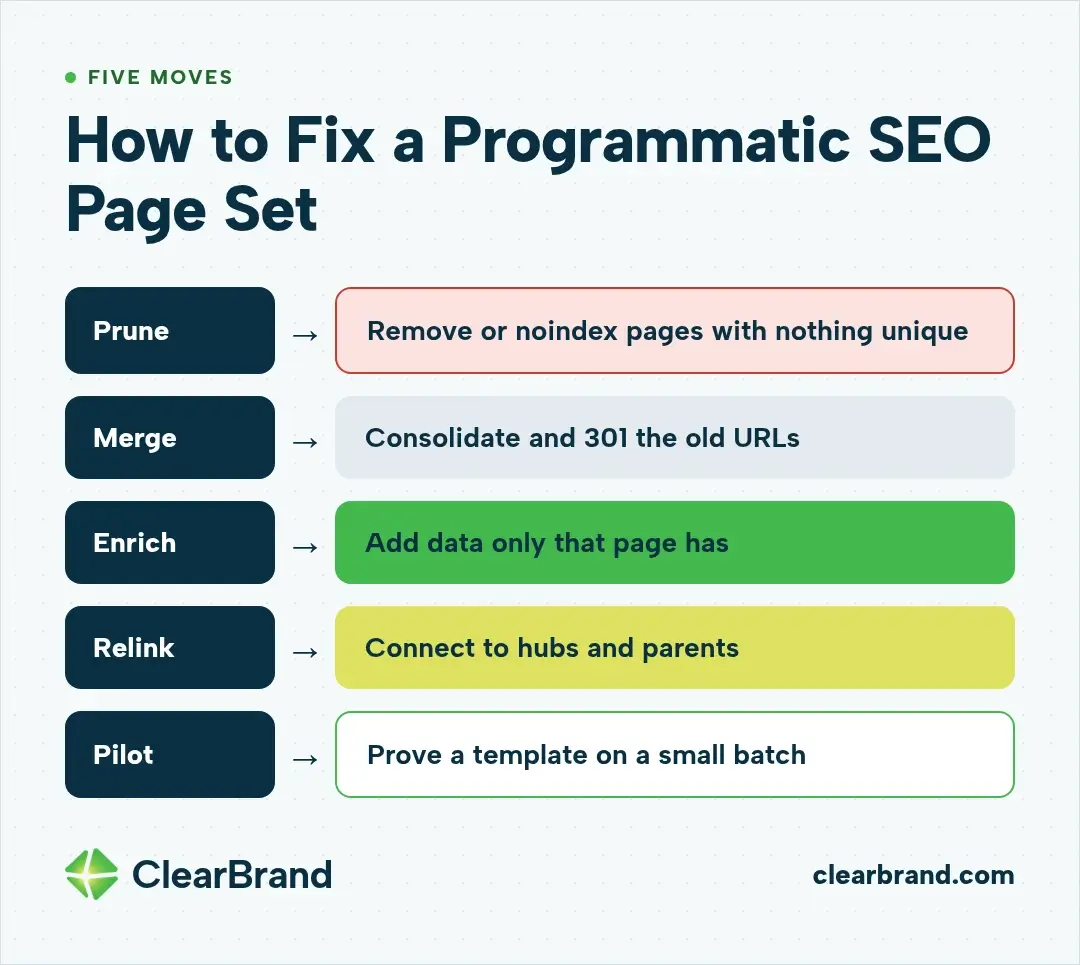
- Prune: remove or noindex pages with nothing unique to offer.
- Merge: consolidate overlapping pages and 301-redirect the old URLs to the page you keep. Removed pages that have no replacement can return a 404 or 410.
- Enrich: add data, examples, and answers that exist only on that page.
- Relink: connect the set to hubs and parent pages.
- Pilot: prove a template on a small batch before scaling.
Is Programmatic SEO Dead?
Programmatic SEO isn’t dead; what stopped working is thin, swapped-variable page sets. Google’s policy targets pages built to manipulate rankings without helping users, not templates themselves. Page sets with unique data, real demand, and a clean technical setup can still index and rank, which is what Google’s guidance on helpful, people-first content asks of every page.
FAQ
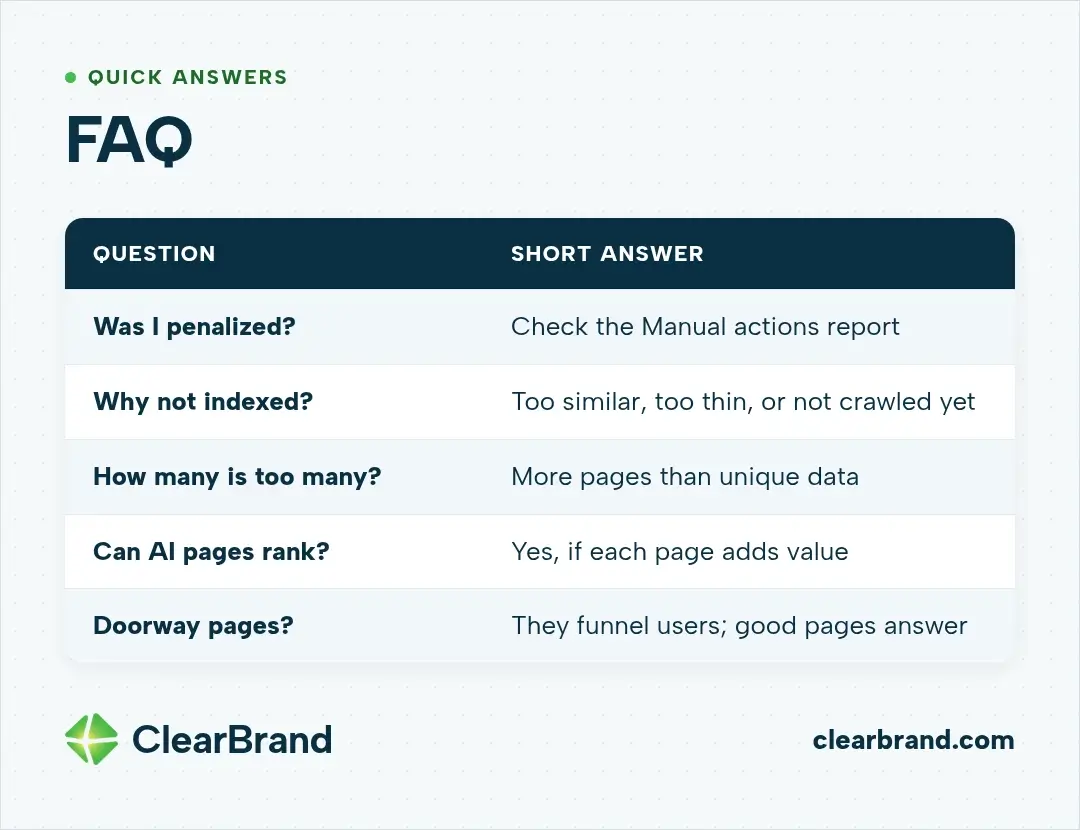
How do I know if Google penalized my programmatic pages?
If Google took manual action against your pages, the Manual actions report in Search Console will list it. Google doesn’t penalize programmatic SEO as a method; it acts against scaled content abuse, meaning many pages made mainly to manipulate rankings. If the report is empty, thin pages are more often simply left out of the index, which shows up as “Crawled - currently not indexed.”
Why are my programmatic pages not indexed?
Programmatic pages often go unindexed because Google judged them too similar or too thin to index, or hasn’t crawled them yet. Check the Page indexing report for “Crawled - currently not indexed” or “Discovered - currently not indexed,” then inspect sample URLs.
How many programmatic pages is too many?
There’s no fixed number; a page set is too big when it has more pages than unique data to fill them. Start with a batch, confirm indexing and impressions, then expand.
Can AI-written programmatic pages rank?
AI-written programmatic pages can rank if each page adds value a searcher can’t get elsewhere. Google’s policy applies “no matter how it’s created,” so unedited AI output at scale carries the same risk as any thin template.
What is the difference between programmatic SEO and doorway pages?
Doorway pages are created to rank for specific, similar queries and lead users to intermediate pages that are less useful than the final destination, while good programmatic pages answer the query on the page itself. Google’s spam policies list “having multiple domain names or pages targeted at specific regions or cities that funnel users to one page” as doorway abuse.
Conclusion
Most programmatic SEO failures trace back to the template. Search Console tells you which mistake you made, and the fix is usually fewer pages that each deserve to exist.
If your SaaS page sets are indexed but not producing demos or signups, see how we approach SEO for SaaS companies.