
SaaS Comparison Pages: How to Build Vs and Alternatives Pages Buyers Trust
How to build SaaS comparison pages buyers trust: which competitors get a page, how vs and alternatives pages differ, and how to keep claims current.
Originally published: October 12, 2026 Last updated: October 12, 2026
SaaS comparison pages are pages on your own site that compare your product with a named competitor or a group of alternatives, built for buyers who are close to a decision. Start with the competitors you lose deals to, give each one an honest, sourced page, and date every pricing claim. If you have no page for that search, a review site like G2 or Capterra, or your competitor, answers it for you.
I care about these pages because leads are the number I judge SEO by. For SaaS, that usually means demos or signups, and bottom-of-funnel pages like these are often where search turns into sales. For where these pages fit alongside outbound, paid ads and other lead sources, see SaaS lead generation from search and AI answers.
For where these pages sit in a full program, see our SaaS SEO guide.
What Is a SaaS Comparison Page?
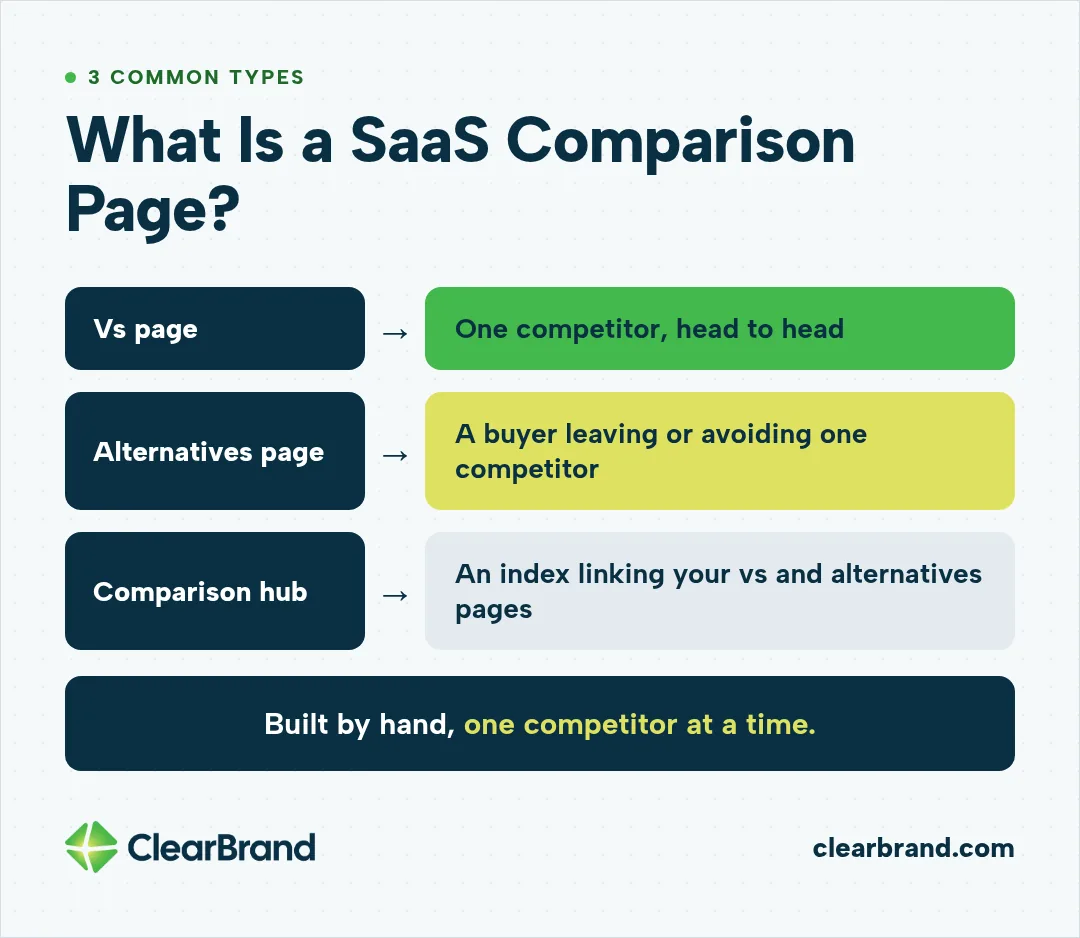
A SaaS comparison page is a page on your own site that compares your product with a named competitor, a group of alternatives, or a manual workaround. The 3 common types are the vs page, the alternatives page, and the comparison hub. Each one usually serves a buyer who is already choosing.
- Vs page: one competitor, head to head.
- Alternatives page: a buyer leaving or avoiding one competitor.
- Comparison hub: an index that links to your vs and alternatives pages.
This guide covers pages you build by hand, one competitor at a time. Templated sets of hundreds of comparison pages fail in different ways and need a different plan.
Why Competitor Comparison Pages Matter More in AI Search
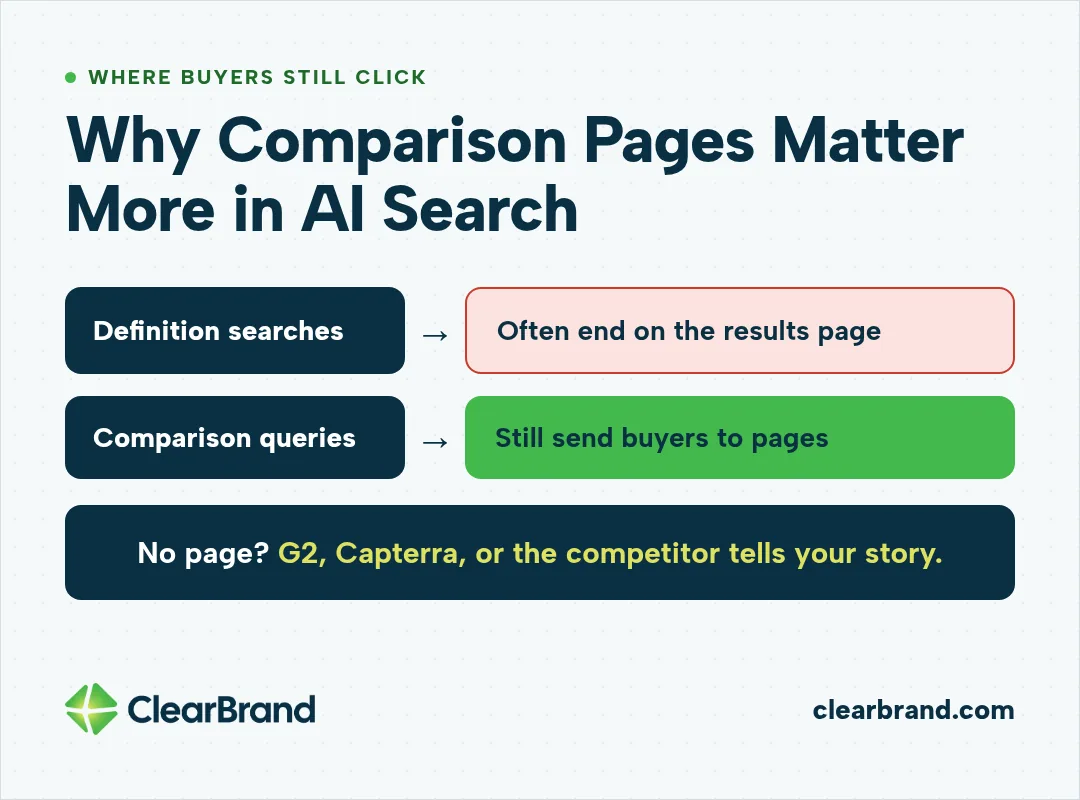
Competitor comparison pages matter more in AI search because comparison queries still send buyers to pages, while many definition searches end on the results page. Someone asking “what is a virtual card” often gets the answer from an AI Overview and doesn’t click through.
A buyer weighing two tools usually wants detail, pricing, and proof before booking a demo, so these pages sit close to the moment someone becomes a customer. Without your own page, that buyer reads your story on G2, Capterra, or the competitor’s site.
Google says AI Overviews need no special markup or optimization. In my experience, best-of lists and clearly organized pages help AI visibility, and a criteria table helps buyers scan.
How to Choose Which Competitors Get a Page
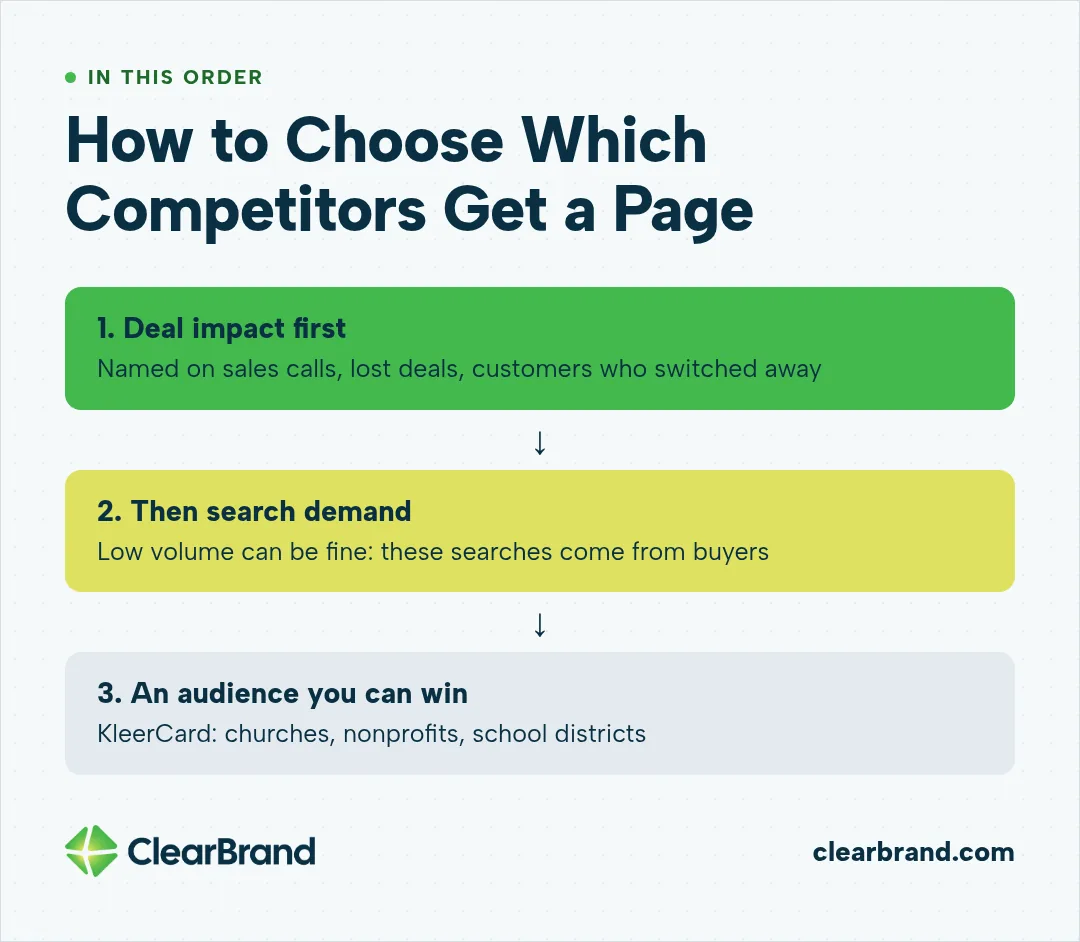
Start with your sales data, then check search demand. A competitor who keeps showing up in lost deals usually deserves a page even if few people search for it.
Rank competitors by deal impact first
- Competitors named most often on sales calls and demo requests.
- Competitors you lose deals to most often.
- Competitors your customers switched away from.
Then check search demand
- Look for “competitor alternatives” and “your product vs competitor” searches in your keyword tool.
- Low volume can be fine. These searches tend to come from buyers, so a handful a month can matter.
Pick an audience you can win
At KleerCard, we focused on a smaller audience than its large competitors go after. Instead of chasing broad small-business terms it couldn’t realistically win, we targeted searches like best credit cards for churches, nonprofits, and school districts. Those pages ended up outranking competitors with billions in revenue and funding for the terms we wanted.
The same logic applies to comparison pages. An alternatives page built for one audience you serve well can often beat a generic page that tries to speak to everyone.
Vs Page vs Alternatives Page: Structure and Differences
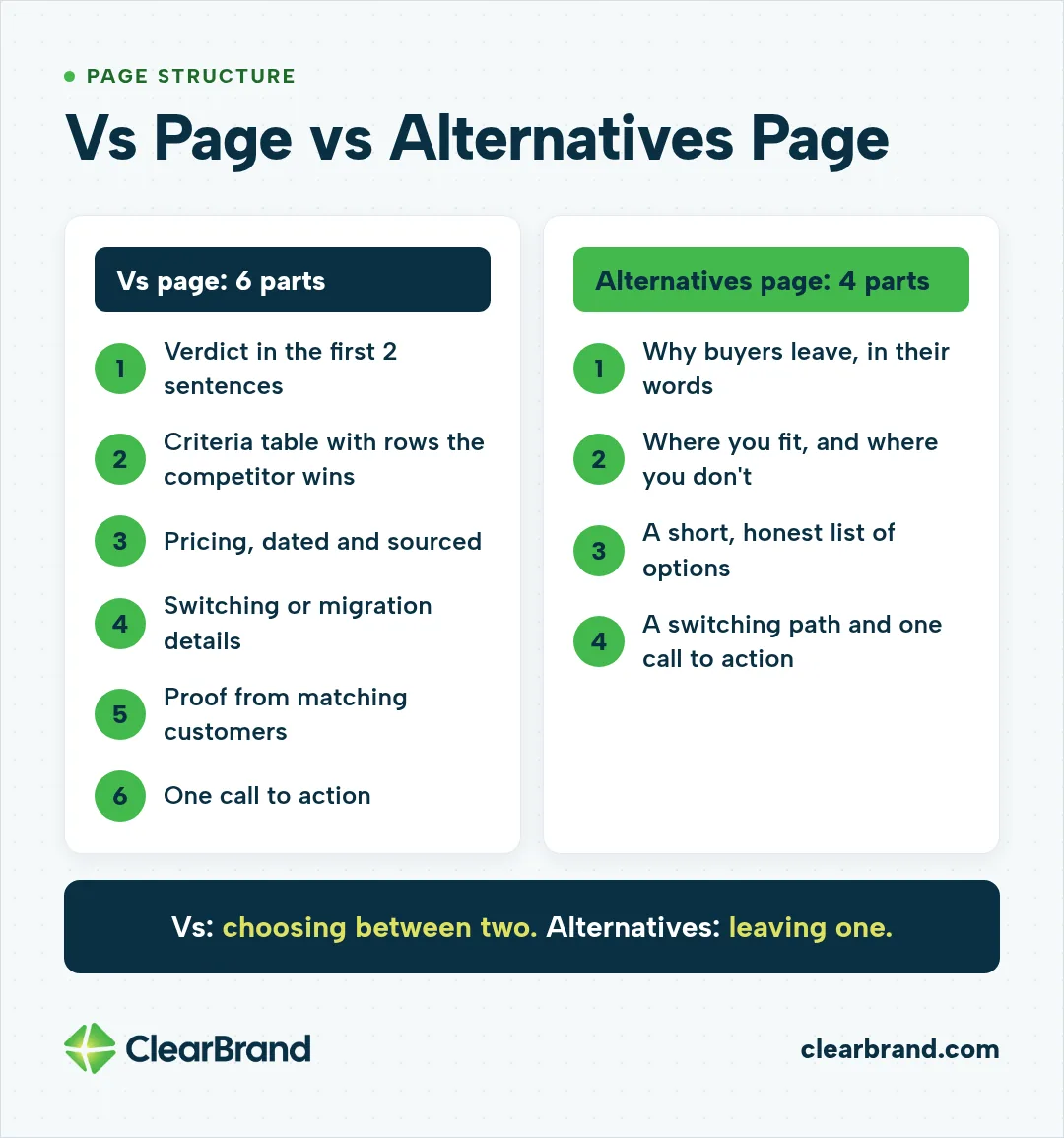
A vs page compares your product with one competitor for a buyer choosing between two shortlisted tools, while an alternatives page serves a buyer who is leaving or ruling out one competitor. That difference changes the opening, the core section, and the call to action.
| Vs page | Alternatives page | |
|---|---|---|
| Typical search | Your product vs competitor | Competitor alternatives |
| Buyer state | Comparing two shortlisted tools | Unhappy with or ruling out one tool |
| Opening | Verdict and who each tool fits | Why buyers look elsewhere, then your fit |
| Core section | Side-by-side criteria table | Short list of options with your product’s case |
| CTA | Demo or trial for buyers who fit | Switching or migration help, then demo |
How to structure a vs page
- A verdict in the first 2 sentences, including who the competitor fits better.
- A criteria table with rows where the competitor wins.
- Pricing with the date you checked it and a link to the source.
- Switching or migration details.
- Proof from customers who match the buyer, such as a testimonial or a short switching story.
- One call to action.
How to structure an alternatives page
- Name the reasons buyers leave the competitor, in their words.
- Show where your product fits those reasons and where it doesn’t.
- Keep any list of other options short and honest.
- End with a switching path and one call to action.
What to Put in a Competitor Comparison Table
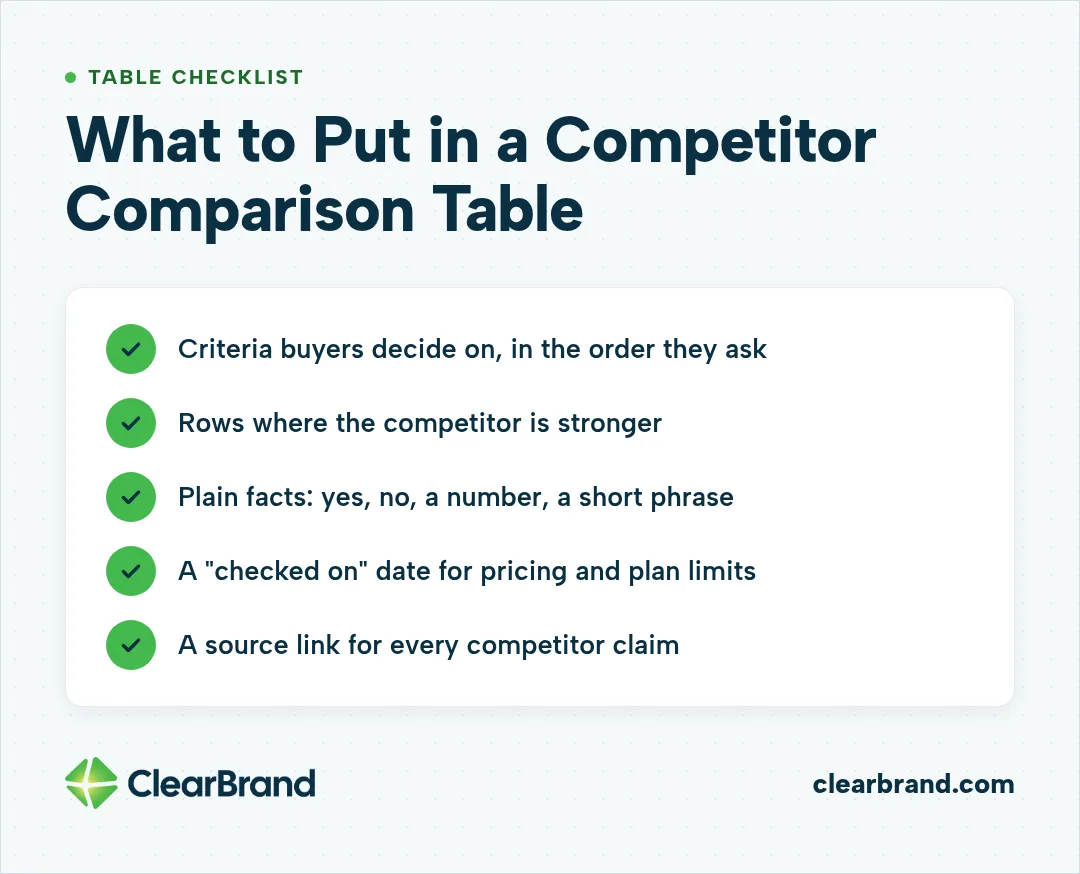
A competitor comparison table should use the criteria your buyers actually decide on, include rows the competitor wins, and source every claim about the competitor.
- Criteria your buyers actually use to decide, in the order they ask about them, such as features, pricing, integrations, and support.
- Rows where the competitor is stronger. In my experience, buyers are skeptical of a table you win on every row.
- Plain facts in cells: yes, no, a number, or a short phrase.
- A “checked on” date for pricing and plan limits.
- A source link for every claim about the competitor.
How to Keep Comparison Claims Current
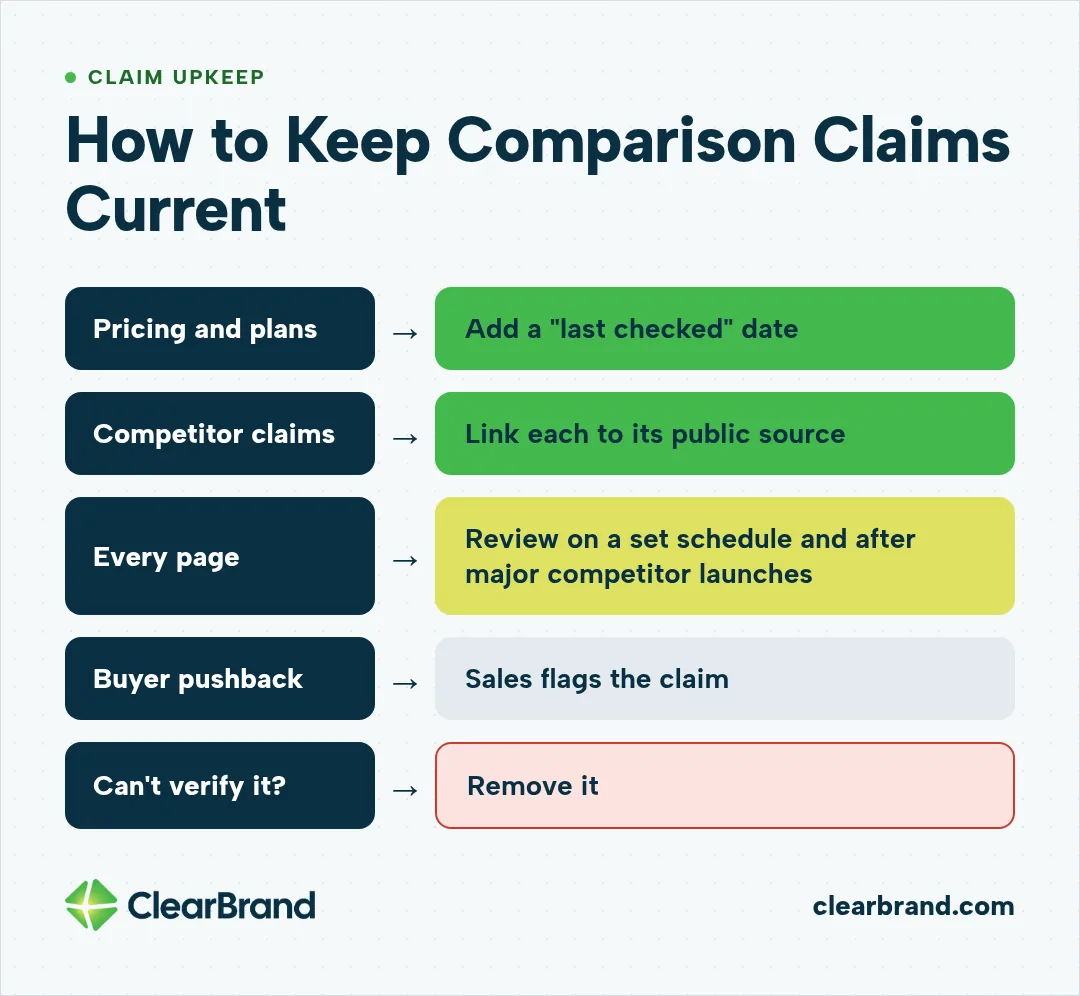
Keep comparison claims current by dating pricing and plan details, linking each competitor claim to its public source, and reviewing every page on a set schedule. Competitors change pricing, plans, and features without telling you, and an out-of-date table makes buyers trust you less and can give AI answers a reason to cite someone else.
- Put a “last checked” date on pricing and plan details.
- Link each competitor claim to its public source, the same way we link financial claims to primary sources like the IRS site.
- Review each comparison page on a set schedule and after any major competitor launch.
- Ask sales to flag claims buyers push back on.
- Remove a claim you can’t verify.
How Honest Should a Comparison Page Be?
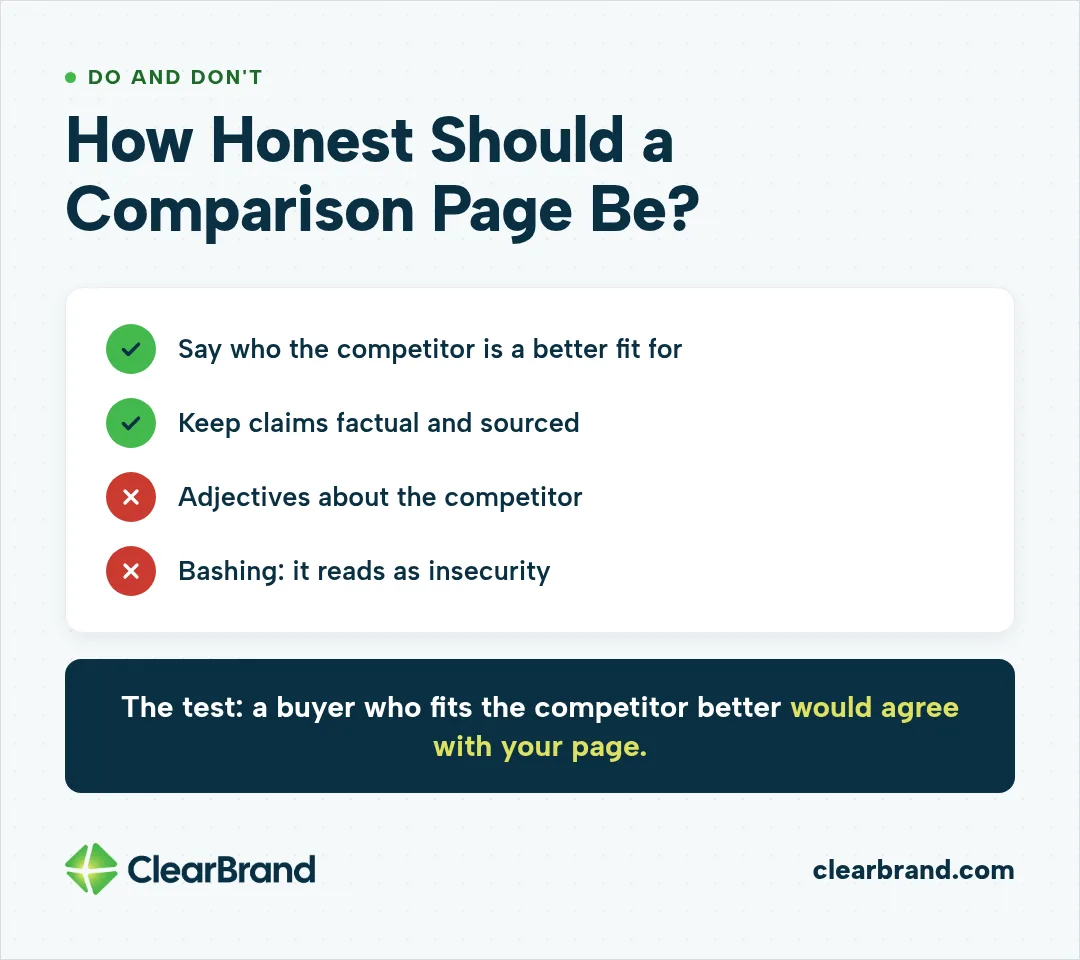
Honest enough that a buyer who fits the competitor better would agree with your page. In my view, bashing a competitor reads as insecurity and can push careful buyers to review sites.
- Say who the competitor is a better fit for.
- Keep claims factual and sourced.
- Skip adjectives about the competitor; the facts in your table are enough.
The FTC encourages naming competitors and treats truthful, non-deceptive comparisons as useful information for buyers. Its policy statement on comparative advertising asks for clarity, a clearly identified basis of comparison, and disclosure where needed to avoid deceiving buyers. Have counsel review claims if you’re unsure.
How Comparison Pages Fit Your SaaS SEO Program
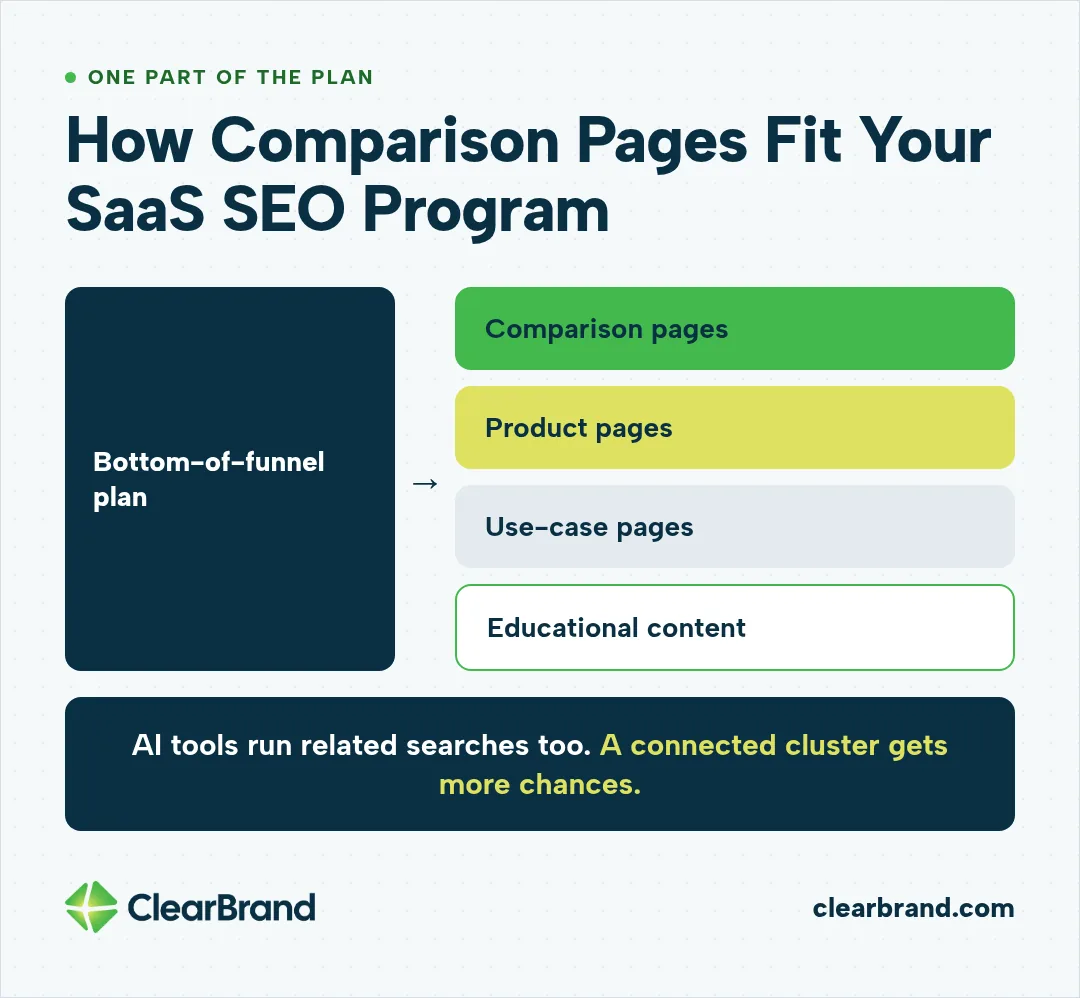
Comparison pages are one part of a bottom-of-funnel plan (pages for buyers close to a decision), alongside product pages, use-case pages, and educational content that shows search engines you cover the topic in depth. AI tools often run a main query plus related searches behind the scenes, so a cluster of connected pages gives you more chances to be picked up than one page alone.
If you want help deciding which comparison pages to build first, see how we work as an SEO agency for SaaS.
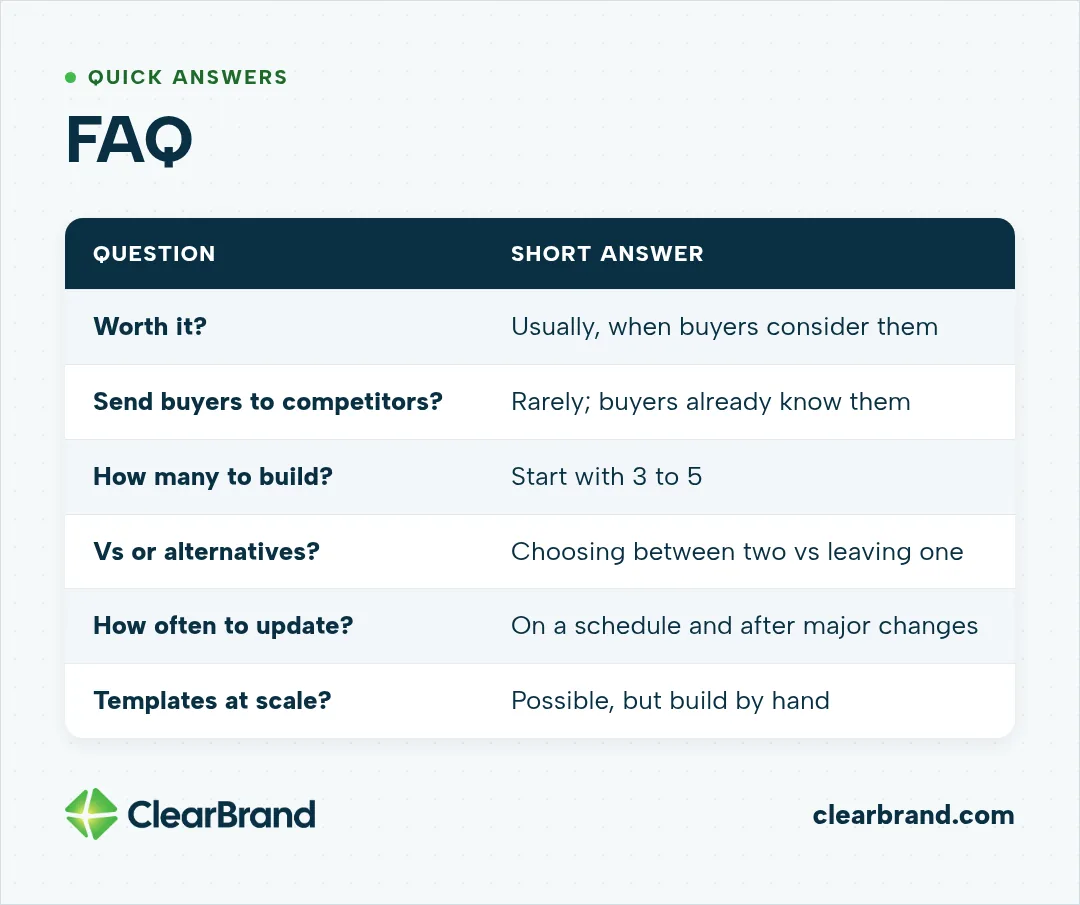
FAQ
Are SaaS comparison pages worth it?
SaaS comparison pages are usually worth it when they target competitors your buyers actually consider. They meet buyers who are close to a decision, so even low search volume can produce demos and signups.
Do comparison pages send buyers to competitors?
Comparison pages rarely send buyers to competitors, in my experience. Buyers searching a vs or alternatives query already know the competitor, and your page gives them your side.
How many comparison pages should a SaaS company build?
I usually start with 3 to 5 comparison pages, for the competitors that come up most in lost deals and sales calls. Add more only when you can keep each page accurate.
What is the difference between a vs page and an alternatives page?
A vs page compares your product with one competitor for buyers choosing between two tools. An alternatives page serves buyers moving away from one competitor and shows why your product fits.
How often should comparison pages be updated?
Update comparison pages on a set schedule and whenever a competitor launches a major change. Date every pricing claim so readers know when it was verified.
Can I build comparison pages with templates at scale?
You can build comparison pages with templates, but I recommend building them by hand, one competitor at a time. Large templated sets carry real risks, including thin pages that never get indexed.
Get Comparison Pages Working for You
Comparison pages are often among the closest pages to revenue on a SaaS site. If you want them built and kept current, talk to our SEO agency team.