SEO for Multi-Location Clinics: How to Rank Every Office Without Doorway Pages
SEO for multi-location clinics: real location pages, one Google Business Profile per office, provider pages, and how to measure new patients at each site.
Originally published: September 22, 2026 Last updated: October 10, 2026
A clinic group with 5 offices has 5 local search problems and one website that has to explain all of them without repeating itself.
Most of the work is the same as single-site healthcare SEO, and the same as local SEO for multiple locations in any other industry. What changes is the structure: which pages exist for each office, which Google Business Profile owns which address, and how you count new patients when they can book at any site.
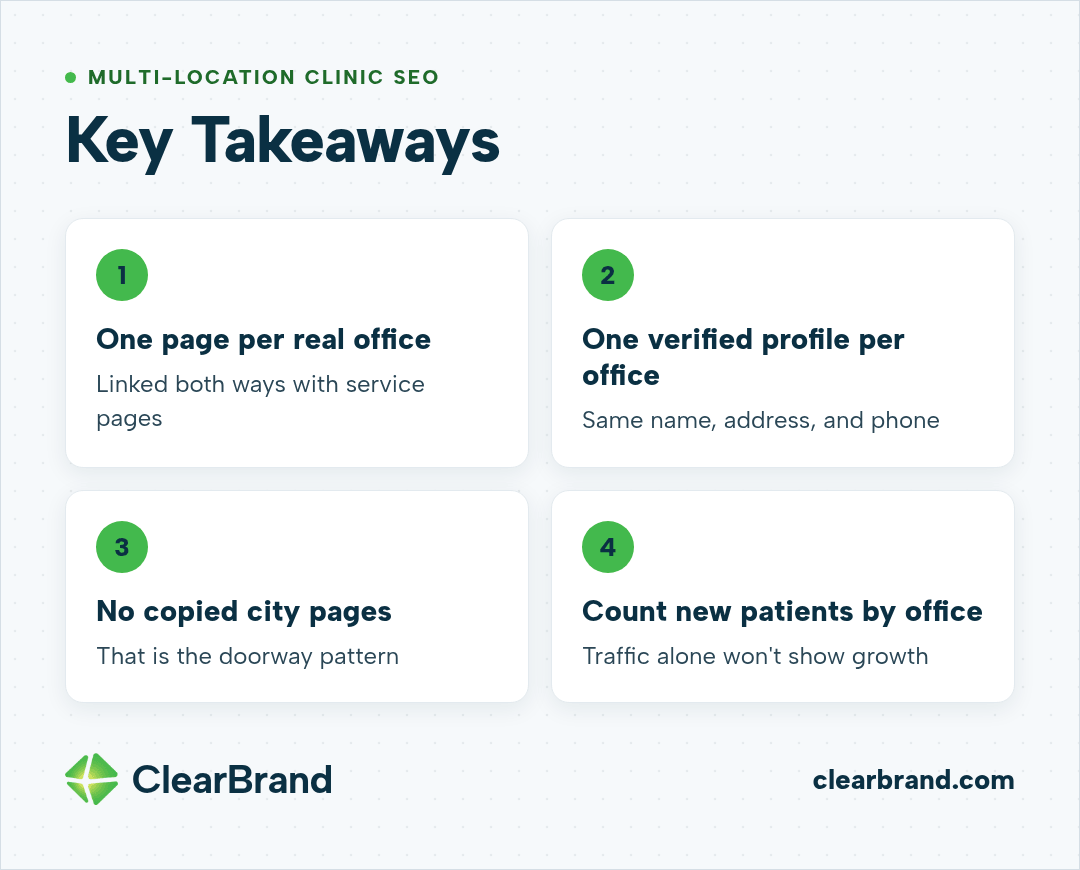
Key Takeaways
- Build one location page per real office and one service page per service, then link them both ways.
- Give every office its own verified Google Business Profile, with the same name, address, and phone on the profile and the website.
- Copying a set of service pages into every city is the doorway pattern Google’s spam policies describe.
- Count new patients or bookings by office. Traffic alone won’t tell you which site is growing.
What multi-location SEO means for a clinic
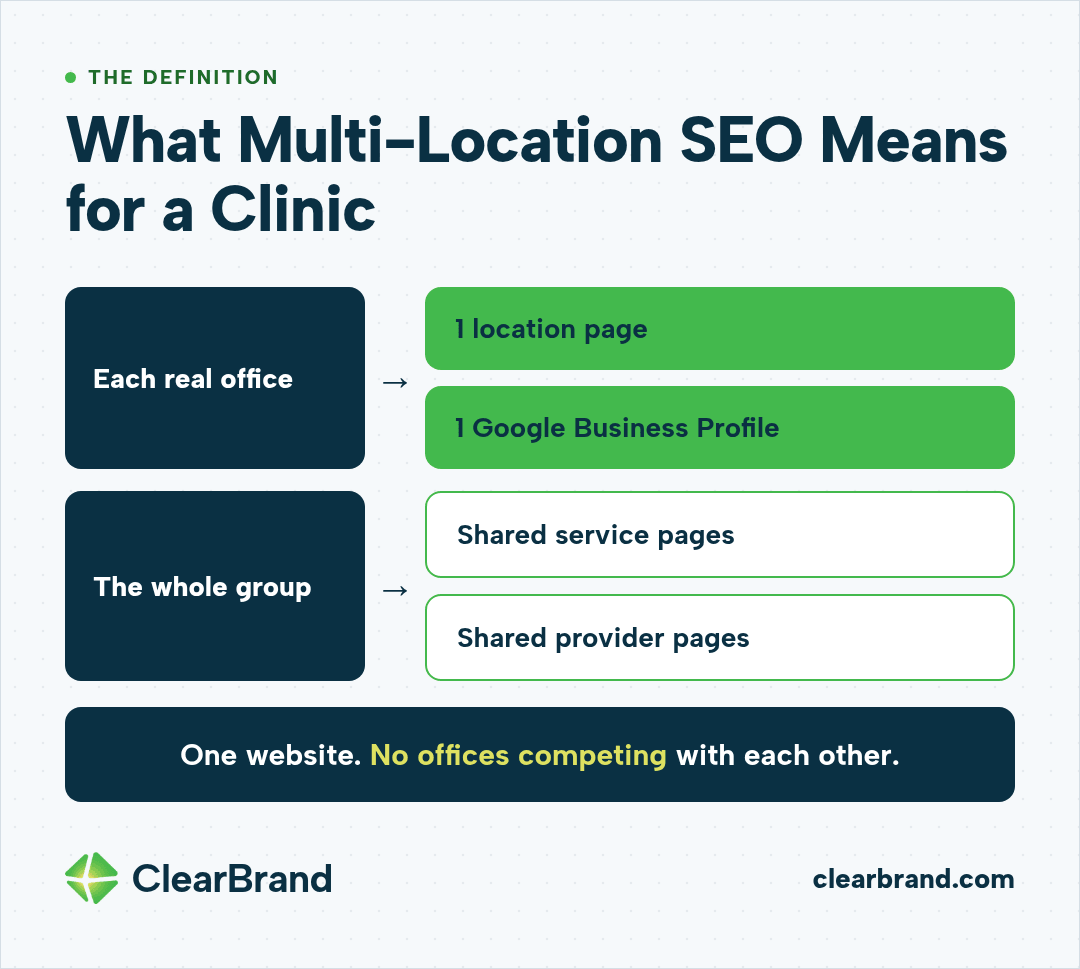
Multi-location SEO for clinics is the work of getting each office found for the services it offers in the area it serves, without the offices competing with each other. It pairs one location page and one Google Business Profile per real office with shared service and provider pages on a single website.
The basics of ranking a medical website sit in our healthcare SEO guide. Once there’s more than one address, the structure changes.
When multi-location SEO is worth paying for
The return is clearest for groups with 3, 4, 5, or more offices. Each office adds another set of local searches, such as “family doctor Andover” or “dog dental cleaning Tracy,” that the same website can win.
The map results at the top of a local search (the map pack) have a ceiling, though. A profile with a handful of reviews usually stalls there, however good the website is. Reviews come from patients, so the front desk has to ask for them. Website work can’t replace that.
A single office in a small town usually gets more from a complete Google Business Profile and a few strong service pages than from a large content plan.
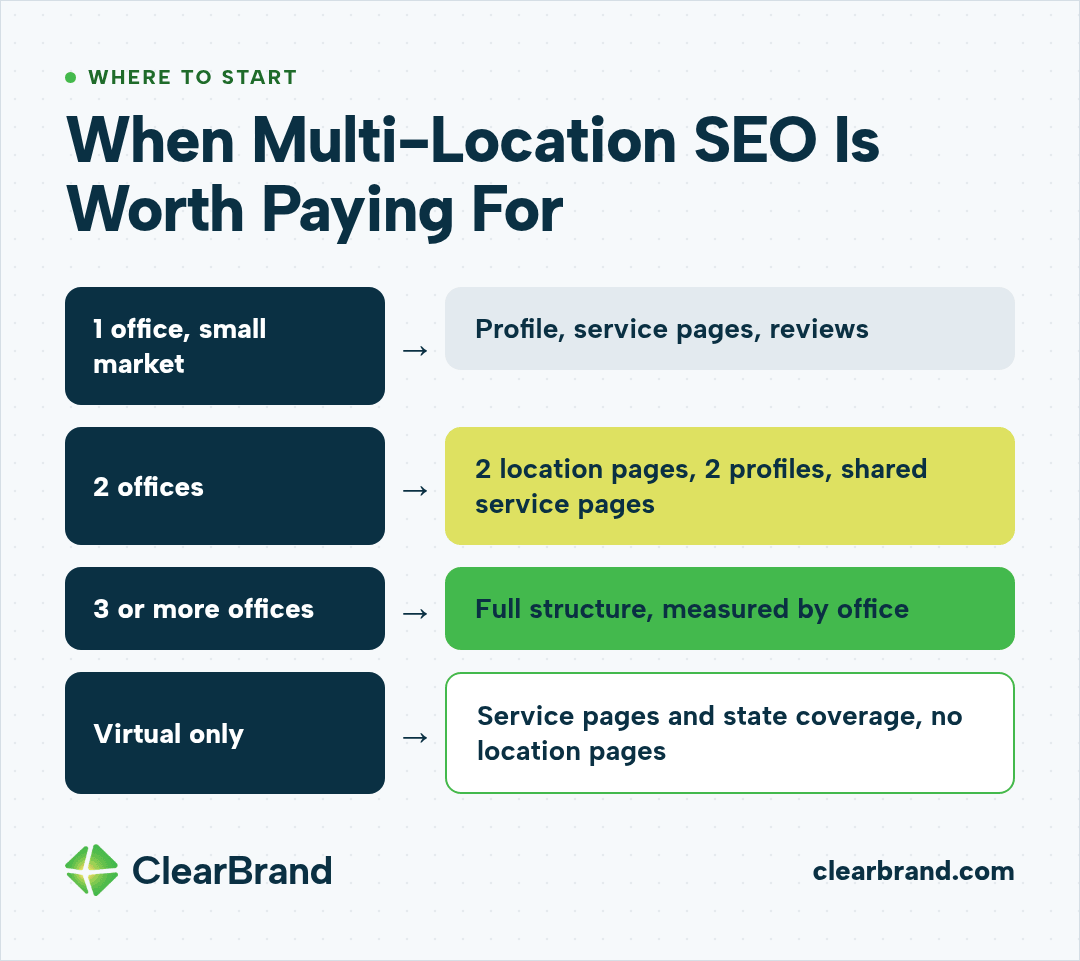
| Your situation | Where to start |
|---|---|
| 1 office in a small market | Google Business Profile, service pages, reviews |
| 2 offices | 2 location pages, 2 profiles, shared service pages |
| 3 or more offices | Full structure: locations, services, providers, measurement by office |
| Virtual or telehealth only | Service pages and state coverage, no location pages |
Build the site around offices, services, and providers
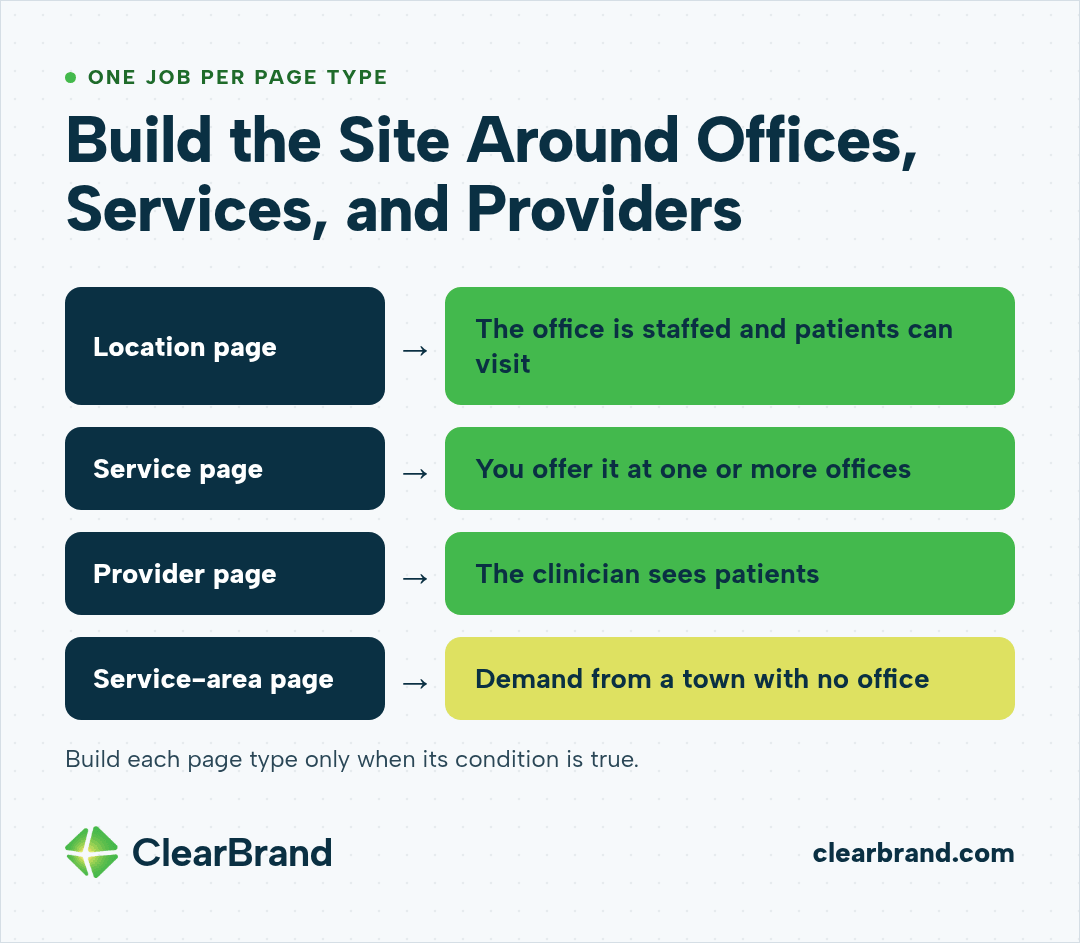
A multi-location clinic site works when each page type has one job.
| Page type | What it holds | Build it when |
|---|---|---|
| Location page | Address, hours, phone, map, services and providers at that office, how to book there | The office is staffed and patients can visit |
| Service page | What the service is, who it’s for, cost or coverage notes, which offices offer it | You offer the service at one or more offices |
| Provider page | Credentials, photo, what they treat, which offices and days | The clinician sees patients |
| Service-area page | The towns patients travel from and the drive to the nearest office | You have demand from a town with no office |
Location pages for real offices
A location page is for an office that exists. Put the address, phone, hours, parking, an embedded map, the services offered at that site, the providers who work there, and a booking path that goes to that office.
Add the details that only make sense for that address. Which entrance to use. Whether the lab is on site. Which days a certain provider is in. Those details help patients, and they make the page different from the other offices’ pages.
Service pages that list where each service is offered
Each service gets one URL. The page explains the service and lists the offices that offer it, with links to those location pages.
Don’t create a separate copy of the service page for every town. Google treats that as a doorway pattern.
Provider pages tied to the offices they work in
Patients search clinicians by name, and they often choose an office because of a provider. A provider page should show credentials, a photo, what the clinician treats, and which offices and days they work, with links to those location pages. For who writes and reviews those pages, see healthcare content marketing.
Pages for towns without an office
Patients often drive past 3 towns to reach a clinic they trust. You can build a page for one of those towns. It has to be honest about where the care happens.
Our pet clinic client has one clinic in Tracy, California, and many families drive in from nearby cities. Their town pages say that pets travel to the Tracy clinic from those cities and link back to the clinic’s location page. They never suggest a second office.
For a fully virtual practice, a service page that names the areas the clinic serves usually fits better than location pages.
Location page or doorway page
Google’s spam policies describe doorway abuse. One of the listed examples is having pages targeted at specific regions or cities that funnel users to one page. Another is creating substantially similar pages that are closer to search results than a clearly defined, browseable hierarchy.
For a clinic group, the common version is a full set of service pages for one office, copied to every other office with the town name swapped. We built that pattern years ago, before Google’s updates caught up with it. It stopped working, and we removed those pages.
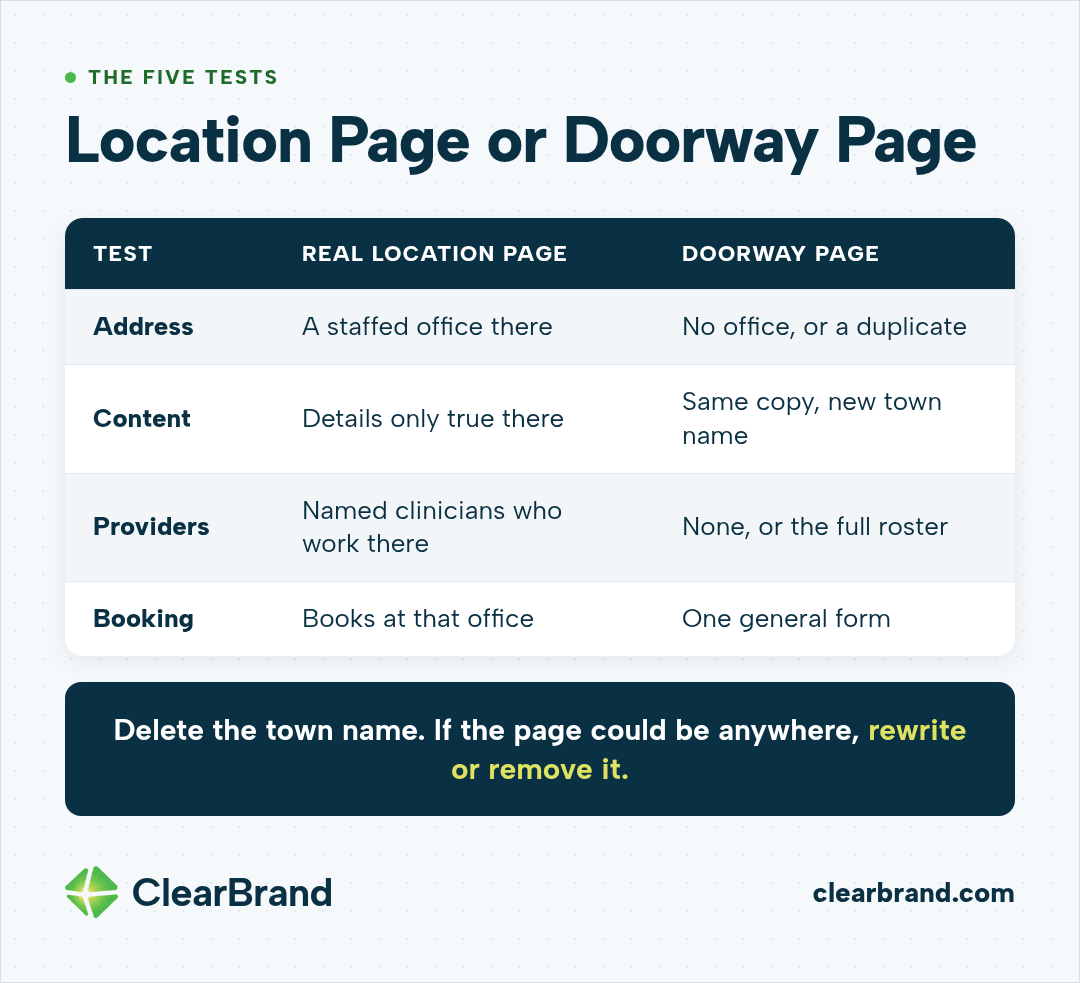
| Test | Real location page | Doorway page |
|---|---|---|
| Address | A staffed office at that address | No office, or the same office as another page |
| Content | Details only true for that office | The same copy with a new town name |
| Providers | Named clinicians who work there | None, or the full roster on every page |
| Booking | Books at that office | Sends everyone to one general form |
| Delete the town name | The page still says something specific | The page could belong to any town |
The last test is the quickest one. If you delete the town name and the page could be about anywhere, rewrite it or remove it.
Google Business Profile for each office
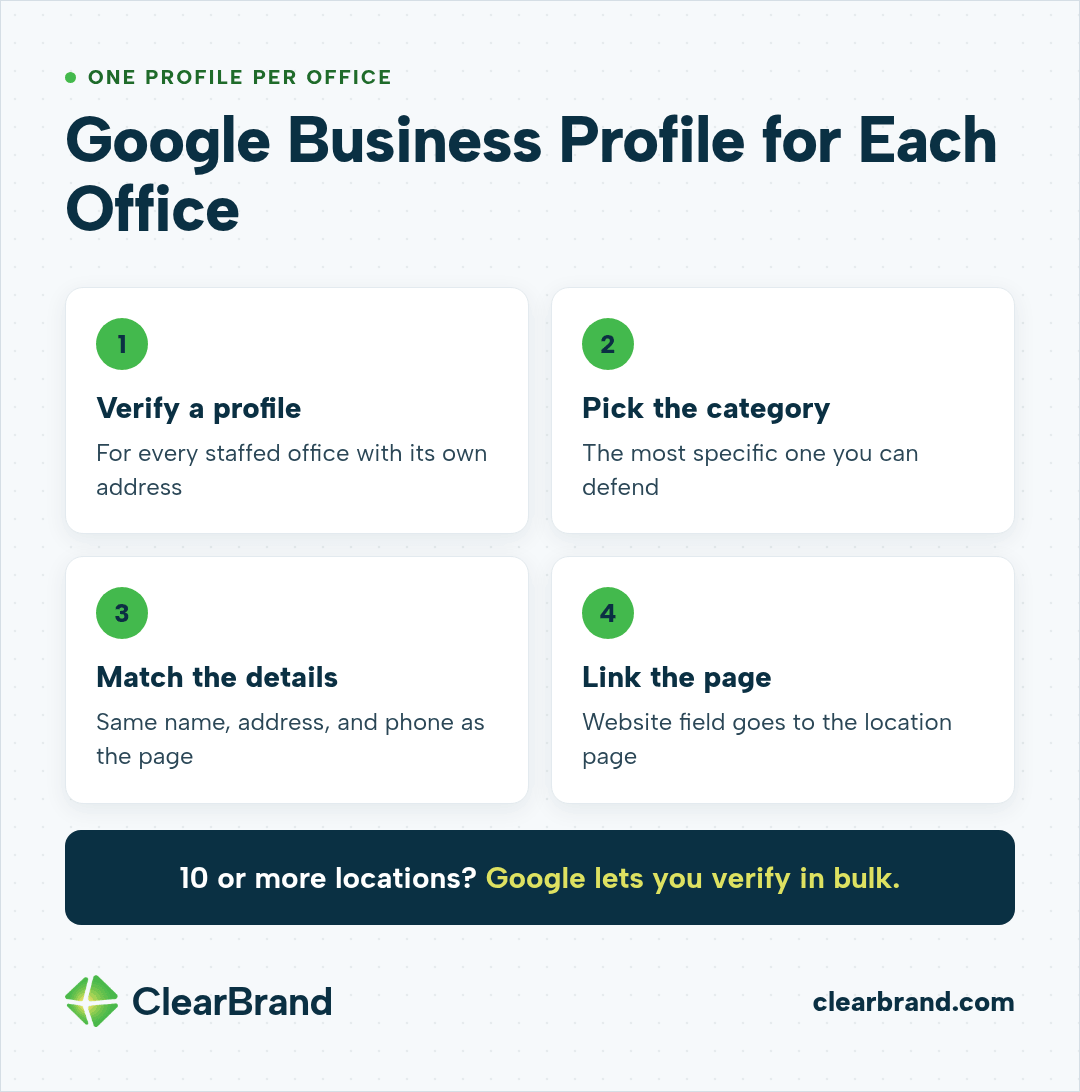
Every staffed office with its own address should have its own verified Google Business Profile. Pick the most specific primary category you can defend, and use the same name, address, and phone as the matching location page.
Link each profile’s website field to that office’s location page, not the homepage. That keeps the profile, the page, and the booking path pointing at the same place.
If you have 10 or more locations of the same business, Google lets you verify profiles in bulk. Below that, verify each office one at a time.
Keep the details inside Google’s guidelines for representing your business. A real office name, a real address, and hours that match what the front desk keeps.
In our programs, profile fixes are a small part of the work. We make sure each profile is complete and points at the right page. Most of the work happens on the website, and new reviews still have to come from real patients.
Keep your offices from competing with each other
Two offices 15 minutes apart can end up trading places for the same search. Neither ranks as well as one clear page would.
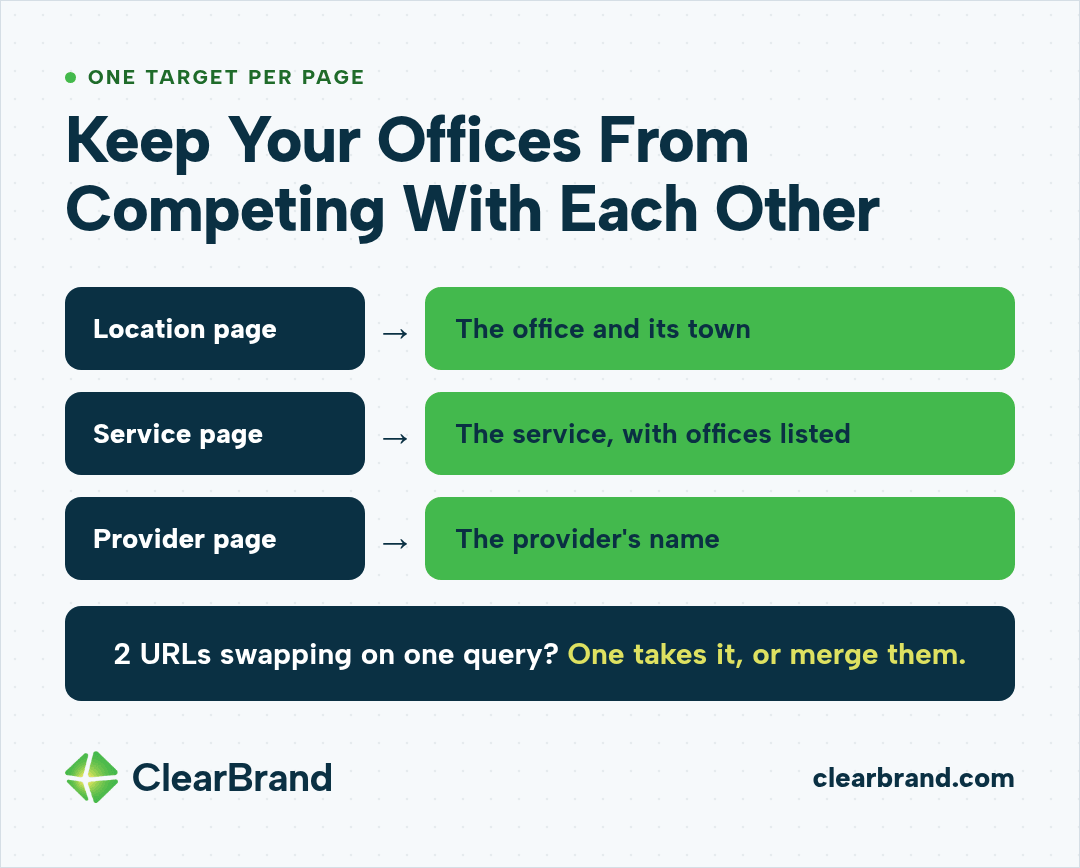
Split the search targets like this:
- Location pages target the office and its town, such as “direct primary care Newton KS.”
- Service pages target the service, with the offices that offer it listed on the page.
- Provider pages target the provider’s name.
Put the town in each location page’s title tag. Link from every service page to each office that offers the service. Keep the homepage title about the brand and the main service, not a list of every town.
If Google Search Console shows 2 of your URLs swapping places for the same query, look at both pages. Usually one should take the query and the other should link to it, or the two should become one page.
Schema and technical setup for many locations
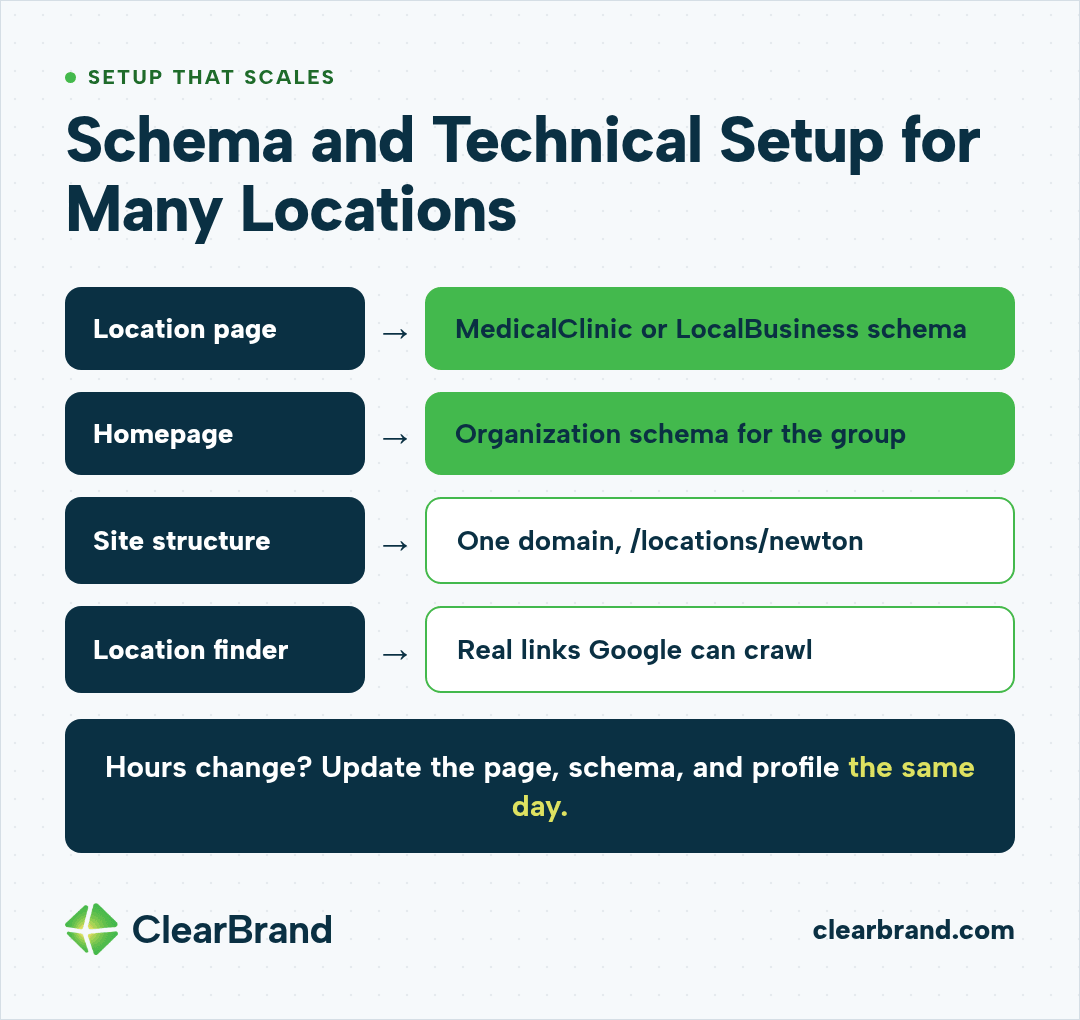
Each location page should carry structured data for that office. Use the MedicalClinic type or another fitting LocalBusiness subtype, with the name, address, phone, hours, and geo coordinates. Google’s local business structured data guide lists the properties it reads.
Use Organization structured data on the homepage for the group as a whole.
A few setup choices save trouble later:
- Keep one domain with a folder for locations, such as /locations/newton, instead of a separate site for each office.
- Make the location finder link to real pages Google can crawl. A map widget alone doesn’t give Google links to follow.
- Match hours and phone numbers on the page, the schema, and the profile. When an office changes hours, change all 3 on the same day.
What to measure for each location
Measure what the clinic counts as a new patient, and break it out by office.
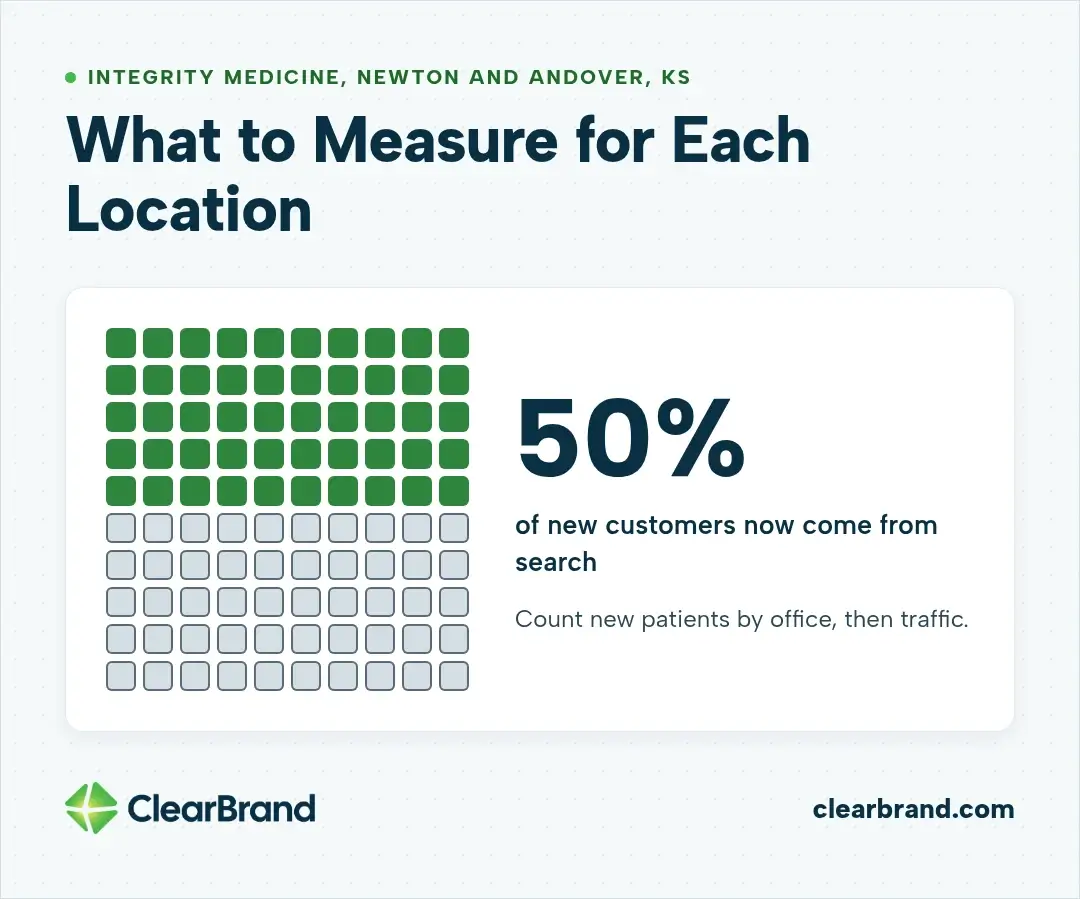
Integrity Medicine is a direct primary care practice with offices in Newton and Andover, Kansas. Patients join a monthly membership and stay on a doctor’s panel, the list of patients that doctor cares for. Each month we look at each doctor’s total panel size, how many new patients joined, and how many of those came from search. Search now brings in 50% of their new customers.
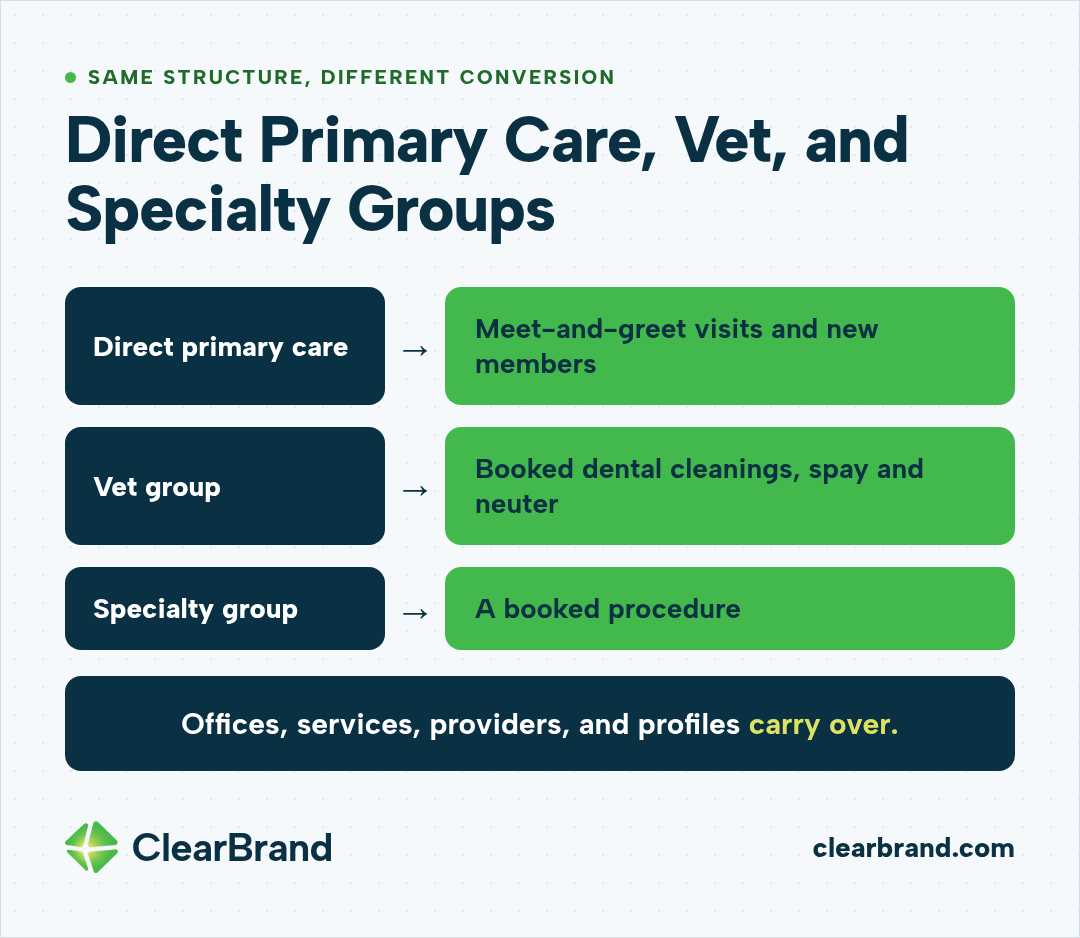
New patients by office matter more than traffic because that’s the number the practice uses to judge growth. For a vet group, the equivalent might be booked dental cleanings or spay and neuter appointments. For a direct primary care practice, it might be first meet-and-greet visits and new members. More on measuring medical practice marketing without touching patient data.
Alongside the patient numbers, track:
- Search Console clicks and impressions filtered to each location page URL.
- Calls, direction requests, and website clicks from each Google Business Profile.
- Rankings for each office’s main local terms.
Review the numbers monthly. One bad week isn’t a trend. Sometimes it’s seasonal, and sometimes it’s a problem worth checking, but the conversation should keep coming back to patients and revenue.
Direct primary care, vet, and specialty groups
The work is mostly the same across clinic types. Whether it’s a direct primary care practice or a veterinary hospital, the structure of offices, services, providers, and profiles carries over.
What counts as a conversion can change: a new membership, a meet-and-greet, or a booked procedure. Named patient testimonials help when the practice has written authorization under HIPAA’s marketing rules.
FAQ
Do I need a separate page for each clinic location?
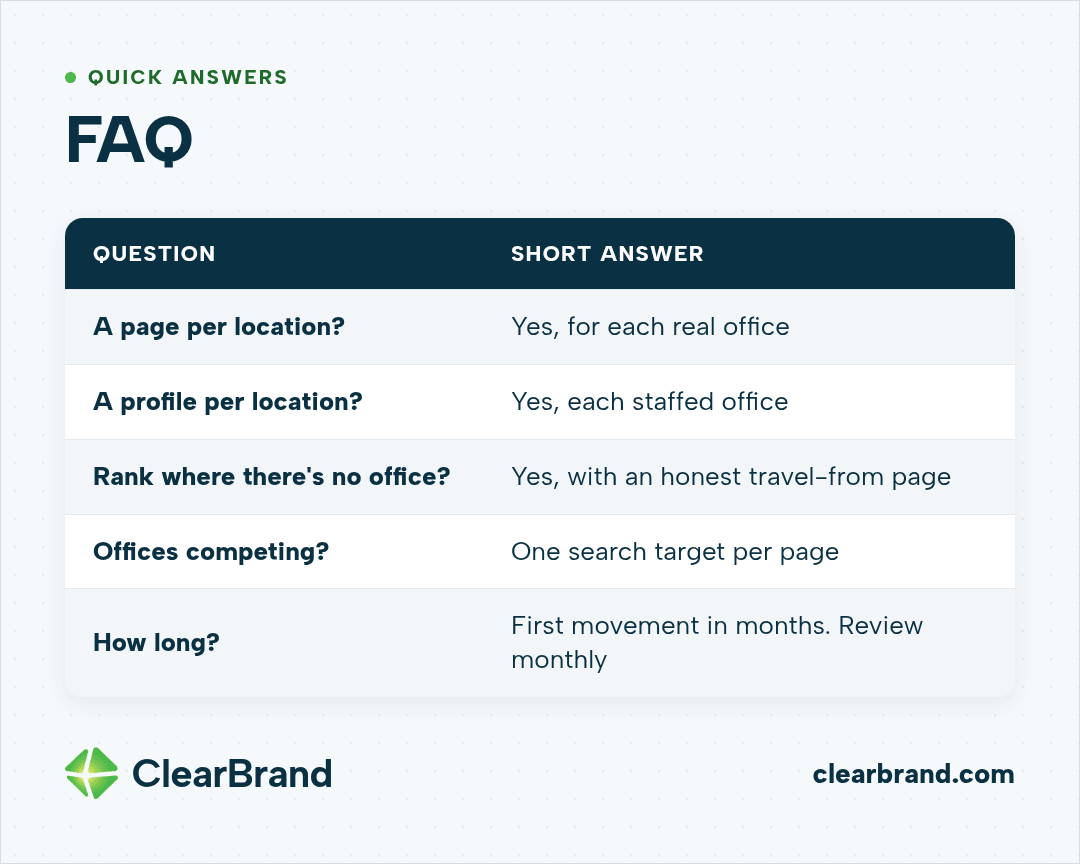
Each real office patients can visit should have its own page. That page should hold the office’s address, hours, phone, services, providers, and booking path. A town with no office is a better fit for a travel-from page than a location page.
Does each location need its own Google Business Profile?
Each staffed office with its own address should have its own verified profile, linked to its own location page. Groups with 10 or more locations can verify profiles in bulk through Google.
Can a clinic rank in a city where it doesn’t have an office?
It can rank for searches from that city, but it shouldn’t claim an office there. A page can say patients travel from that city and explain the drive to the nearest clinic.
How do I stop my clinic locations from competing with each other?
Assign each page its own search target. Location pages target the office and town, service pages target the service, and provider pages target the clinician. If 2 pages trade places for one query, merge them or narrow one.
How long does multi-location SEO take for a clinic?
Profile fixes and location page updates can show movement in the first few months, depending on the market and how much competition each office has. New patients from search take longer, so review progress monthly and judge the program on new patients by office.
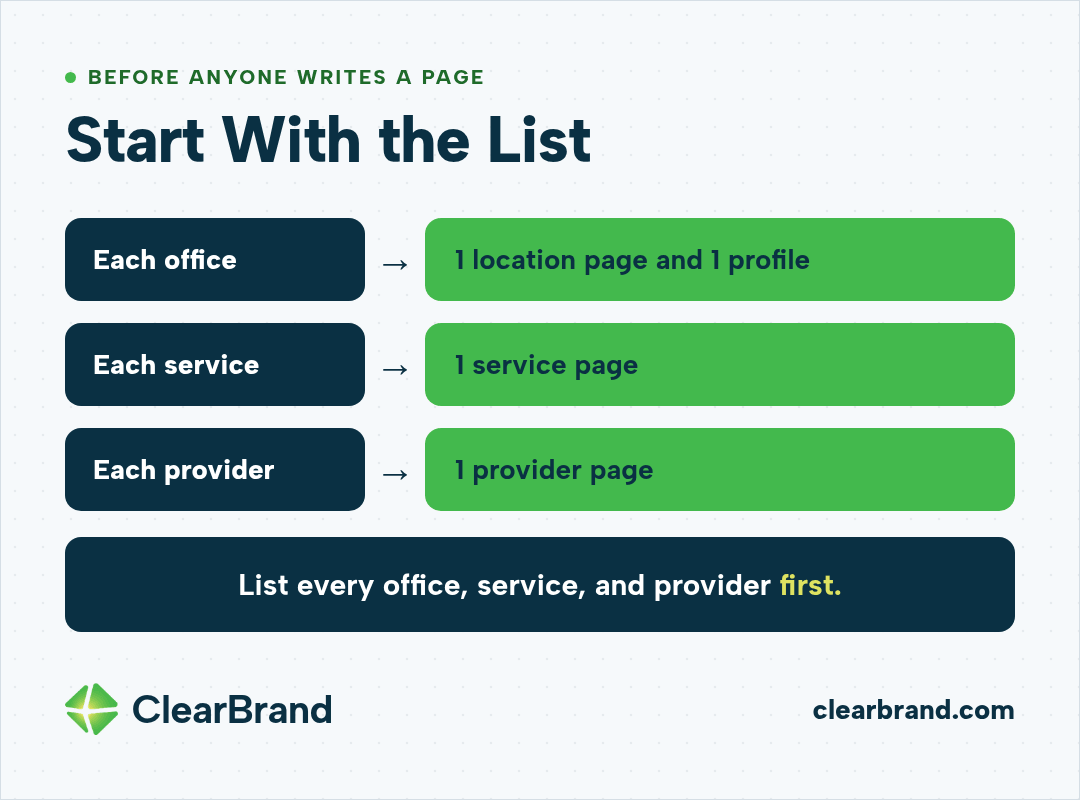
Start with the list
Before anyone writes a page, list every office, every service, and every provider. Match each office to one location page and one profile, each service to one page, and each provider to one page.
When you’re ready, get your free SEO audit and we’ll walk that office, service, and provider list with you. You can also see how we work as a healthcare SEO agency or how we run SEO programs.