
Medical Clinic SEO: Service Lines Without Doorway Pages
Medical clinic SEO for every service line: when a service earns its own page, how to avoid doorway pages, and how they show in Google, Maps, and AI.
Originally published: November 11, 2026 Last updated: November 11, 2026
Medical clinic SEO is the work of getting your clinic found when patients search for the care you provide, in Google search, on Google Maps, and in AI answers. Google Business Profile and reviews help a clinic show up in the map pack. The pages that decide whether your website can rank for the treatments patients actually type are service pages. This guide covers how to build those pages so each service line can rank, and how to avoid the near-duplicate pages Google treats as doorways.
Key takeaways
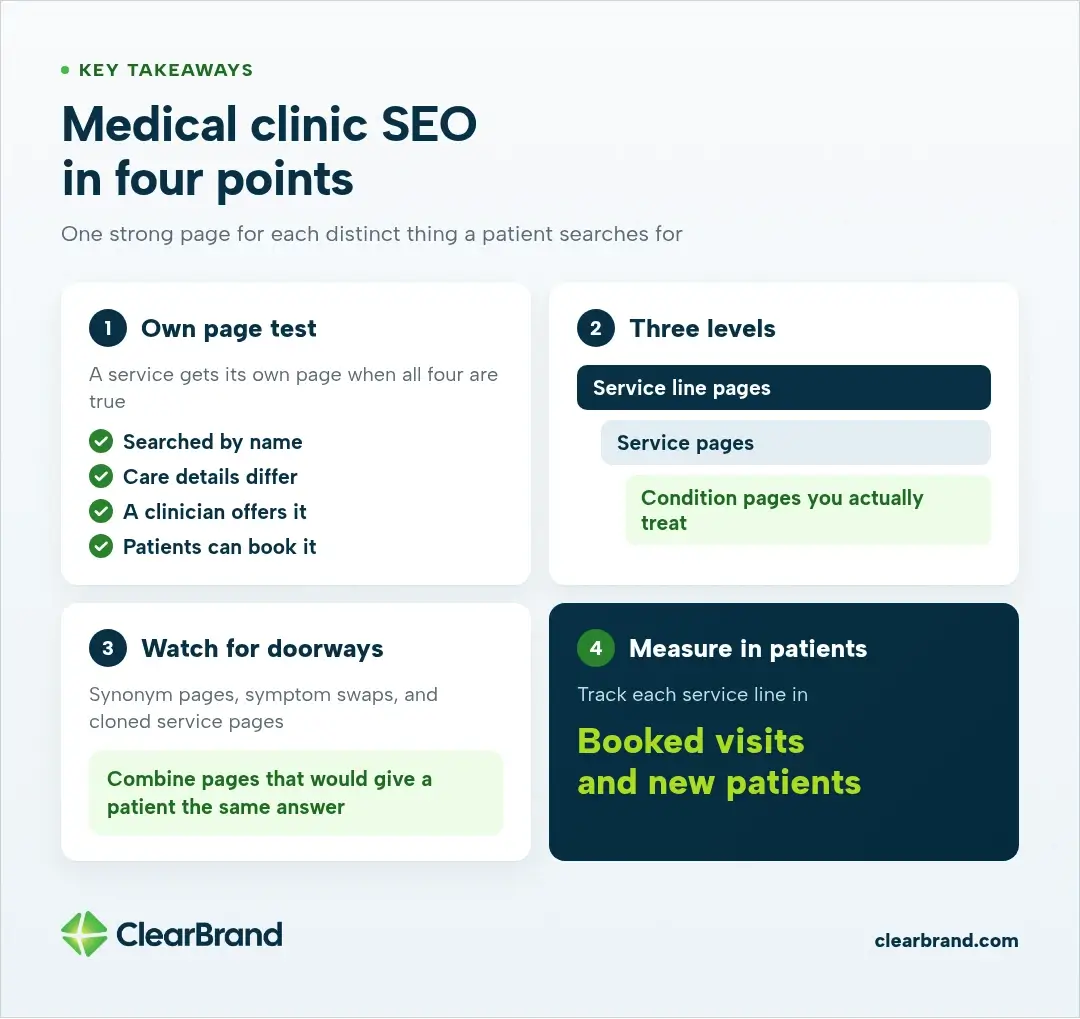
- Give a service its own page when patients search for it by name, the care details differ, a clinician offers it, and patients can book it.
- Organize services as service line pages, service pages, and condition pages you actually treat.
- Write those pages in the words patients use, and put synonyms on the one page that owns the service, not on a new URL for every phrasing.
- Synonym pages, symptom swaps, and cloned service pages can become doorway pages. Combine pages that would give a patient the same answer.
- Google Business Profile and reviews help with the map pack. Service pages do the ranking work on your site and in AI answers.
- Measure each service line in booked visits and new patients.
What medical clinic SEO covers
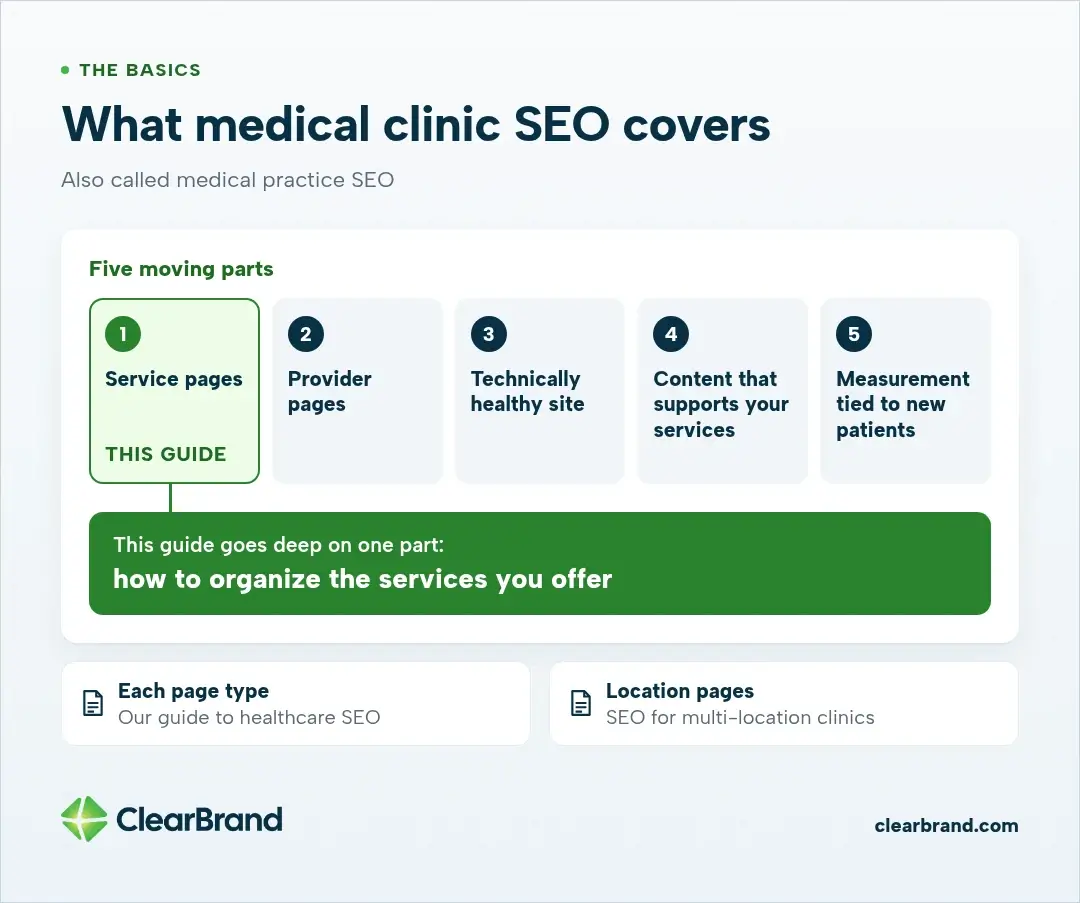
Whether you call it medical clinic SEO or medical practice SEO, it has a few moving parts: service pages, provider pages, a technically healthy site, content that supports your services, and measurement tied to new patients. Our guide to healthcare SEO walks through each page type. If you run more than one office, SEO for multi-location clinics covers location pages.
Local listings belong in that picture. Claiming your Google Business Profile, keeping your name, address, and phone number consistent across directories, and asking for genuine reviews are how most clinics appear in the local map results. Those steps matter, and they are a different job from the one this article takes on. Once a patient leaves the map and lands on your site, or asks an AI tool who can treat a condition, they need a service page that answers the search. That is what the rest of this guide is about.
Why service lines decide whether clinic SEO works
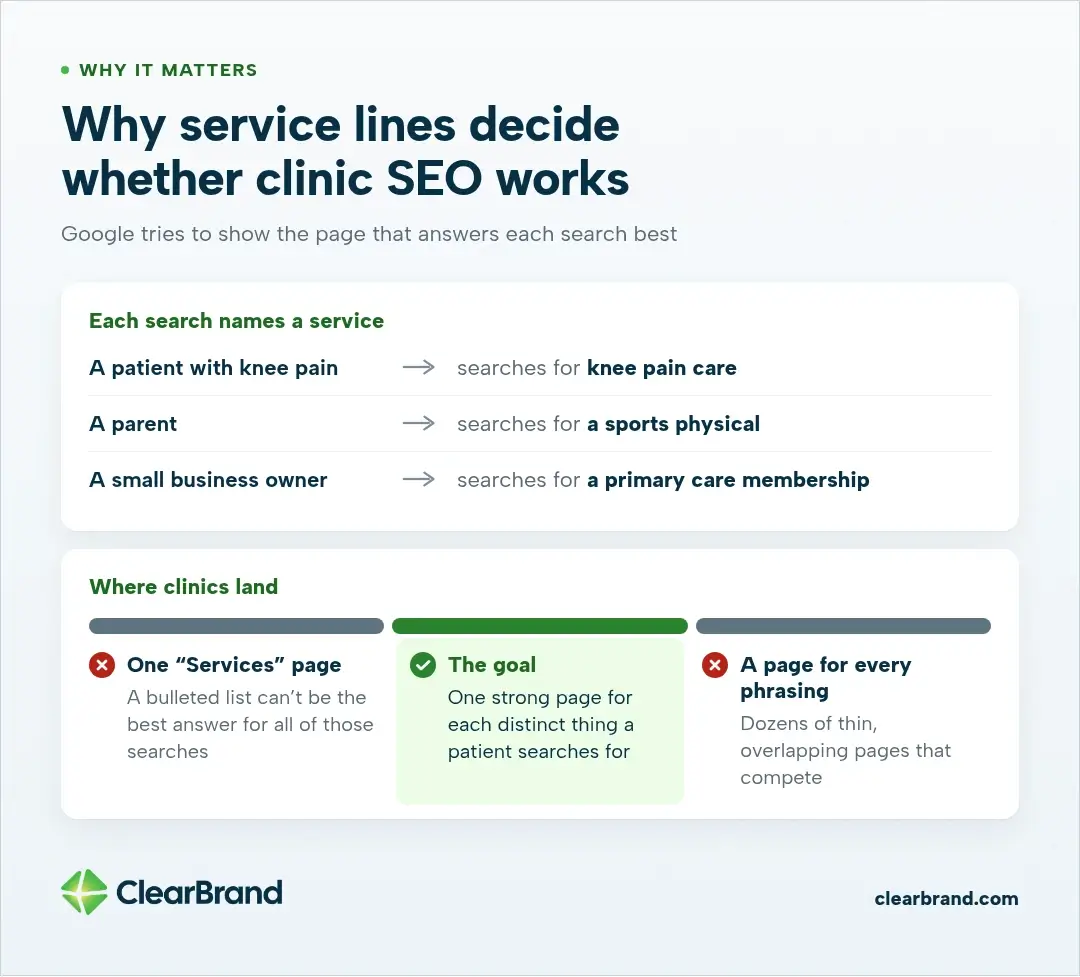
A patient with knee pain searches for knee pain care. A parent searches for a sports physical. A small business owner searches for a primary care membership. Each search names a service, and Google tries to show the page that answers it best.
A single “Services” page with a bulleted list can’t be the best answer for all of those searches. So clinics often go the other way and create a page for every phrasing they can think of. That’s how service lines turn into dozens of thin, overlapping pages that compete with each other.
The goal sits between those two: one strong page for each distinct thing a patient searches for, organized so patients and Google can find their way around.
When a service earns its own page
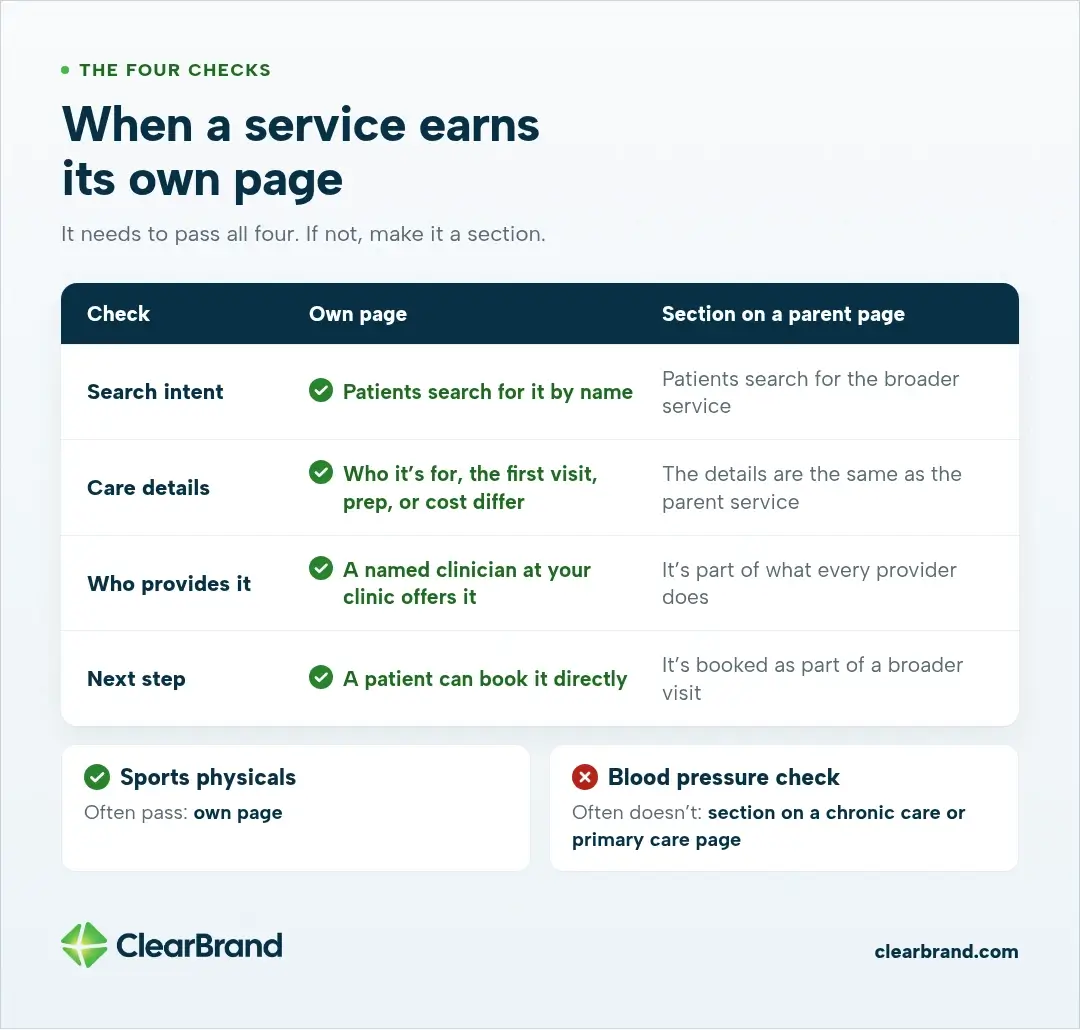
Give a service its own page when it passes all four of these checks. If it doesn’t, make it a section on a broader page.
| Check | Own page | Section on a parent page |
|---|---|---|
| Search intent | Patients search for it by name | Patients search for the broader service |
| Care details | Who it’s for, the first visit, prep, or cost differ from the parent service | The details are the same as the parent service |
| Who provides it | A named clinician at your clinic offers it | It’s part of what every provider does |
| Next step | A patient can book it directly | It’s booked as part of a broader visit |
Take sports physicals. They often pass: parents search for them by name, the visit is different from a regular checkup, and many clinics book them on their own. A blood pressure check often doesn’t. It belongs as a section on a chronic care or primary care page.
Write those pages in the words patients actually type, not only in the language on a clinical schedule. People search for “knee pain,” “sports physical,” or “primary care in [city],” and they often search for a doctor by name after a referral. Put those phrases in headings, FAQs, and natural sentences on the one page that owns the service. Do not create a new page for every synonym or every way of saying the same visit. That is how a useful service page turns into a set of doorway pages, which the next sections cover.
How to structure service lines
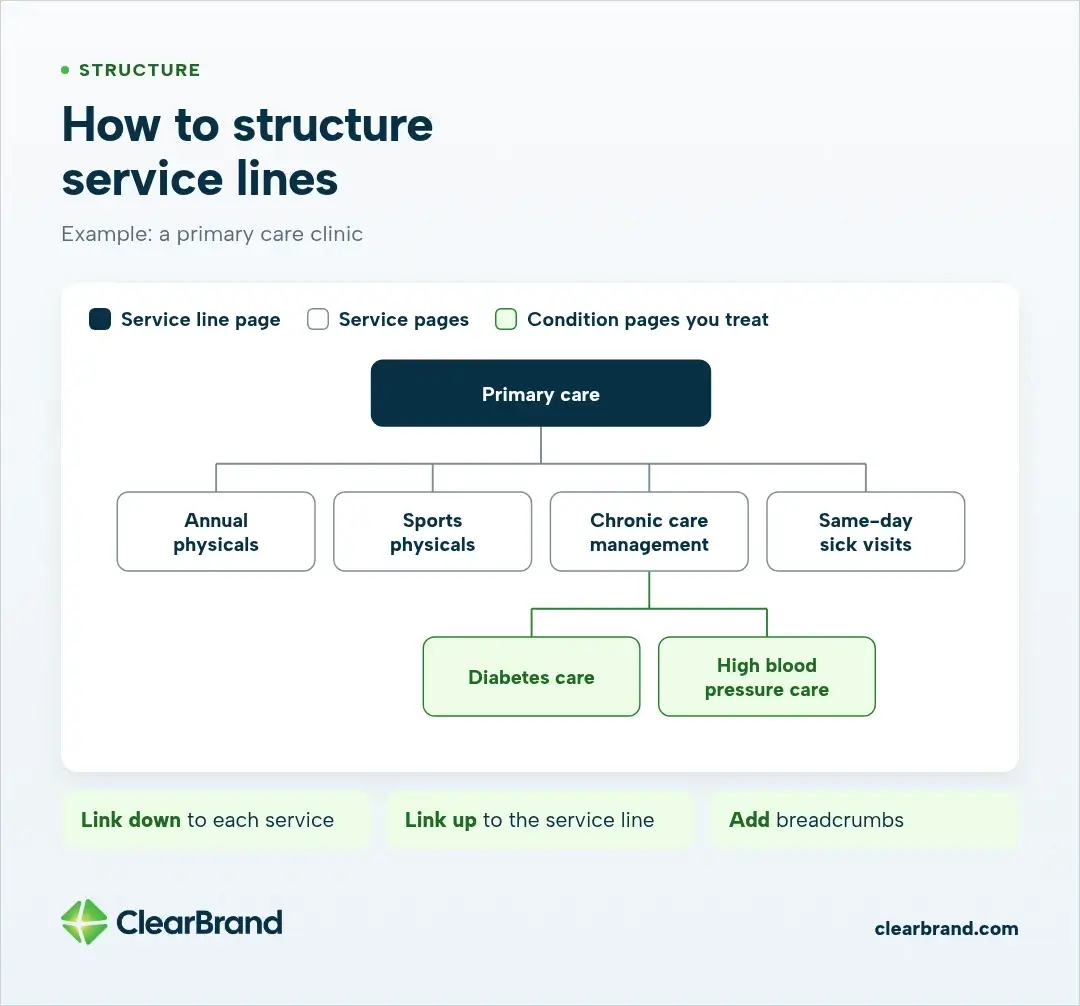
Organize services in a simple hierarchy. A service line is a group of related services, like primary care, women’s health, or physical therapy.
- Service line page. An overview of the group, who it’s for, and links to each service in it.
- Service pages. One page for each service that passed the four checks.
- Condition pages, where you treat the condition. A page for a condition your clinicians actually treat, linking up to the service that treats it.
For a primary care clinic, that could look like this:
- Primary care (service line page)
- Annual physicals
- Sports physicals
- Chronic care management
- Diabetes care (condition page)
- High blood pressure care (condition page)
- Same-day sick visits
Link down from each service line page to its services, link up from each service back to its service line, and add breadcrumbs. That’s the kind of “clearly defined, browseable hierarchy” Google’s spam policy contrasts with doorway pages.
The doorway pages clinics create without meaning to
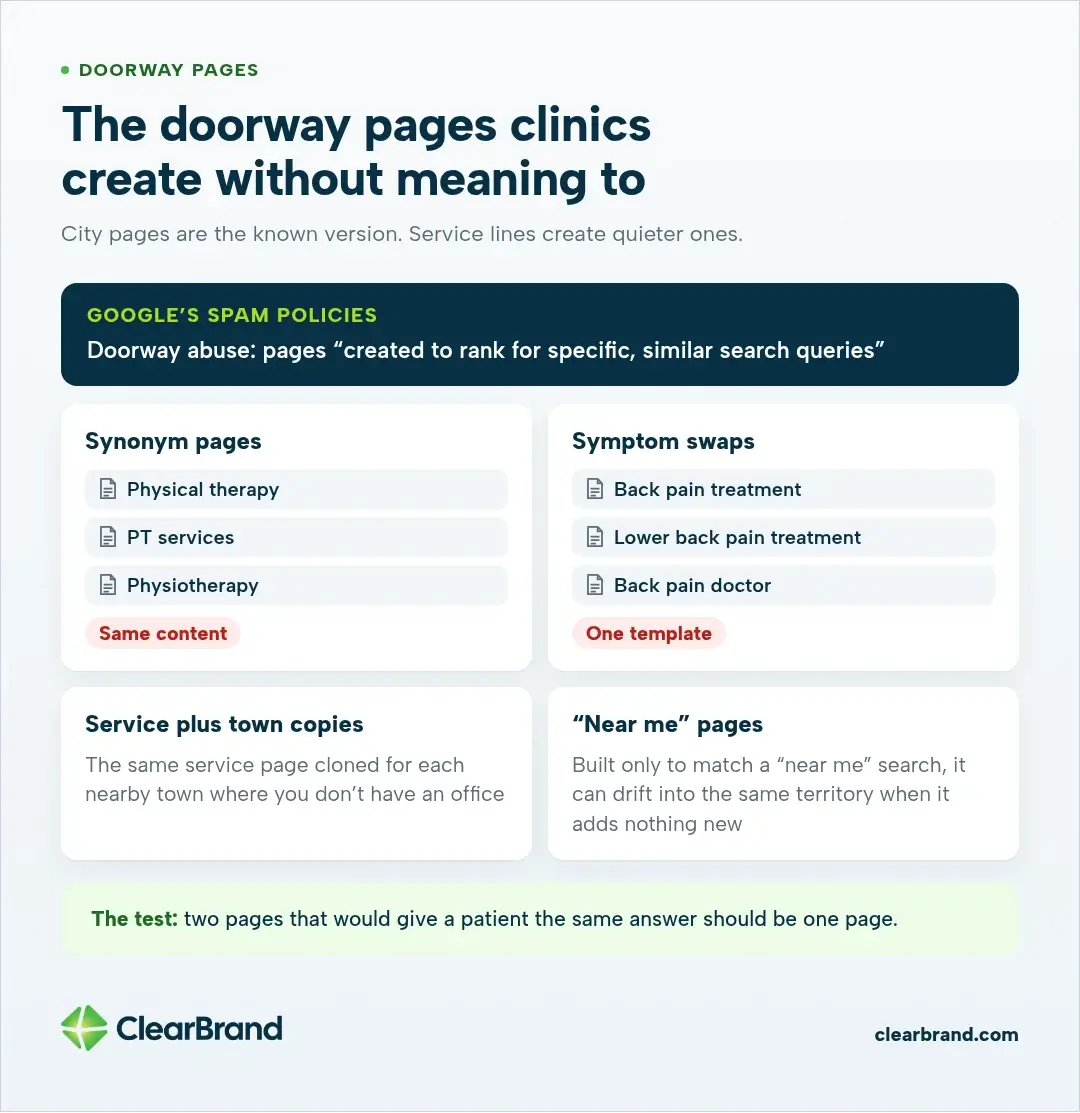
Google’s spam policies describe doorway abuse as pages “created to rank for specific, similar search queries.” One listed example is “creating substantially similar pages that are closer to search results than a clearly defined, browseable hierarchy.”
City pages are the version most people know, and we cover them in the multi-location guide. Service lines create quieter versions:
- Synonym pages. “Physical therapy,” “PT services,” and “physiotherapy” as three pages with the same content.
- Symptom swaps. “Back pain treatment,” “lower back pain treatment,” and “back pain doctor” written from one template.
- Service plus town copies. The same service page cloned for each nearby town where you don’t have an office.
- “Near me” pages. A page built only to match a “near me” search can drift into the same territory when it adds nothing a patient couldn’t get from the main service page.
A simple test helps: if two of your pages would give a patient the same answer, they should be one page. Use the other phrasings inside that page, in headings, FAQs, and natural sentences, so the one page covers all of them.
How to fix service pages that compete with each other
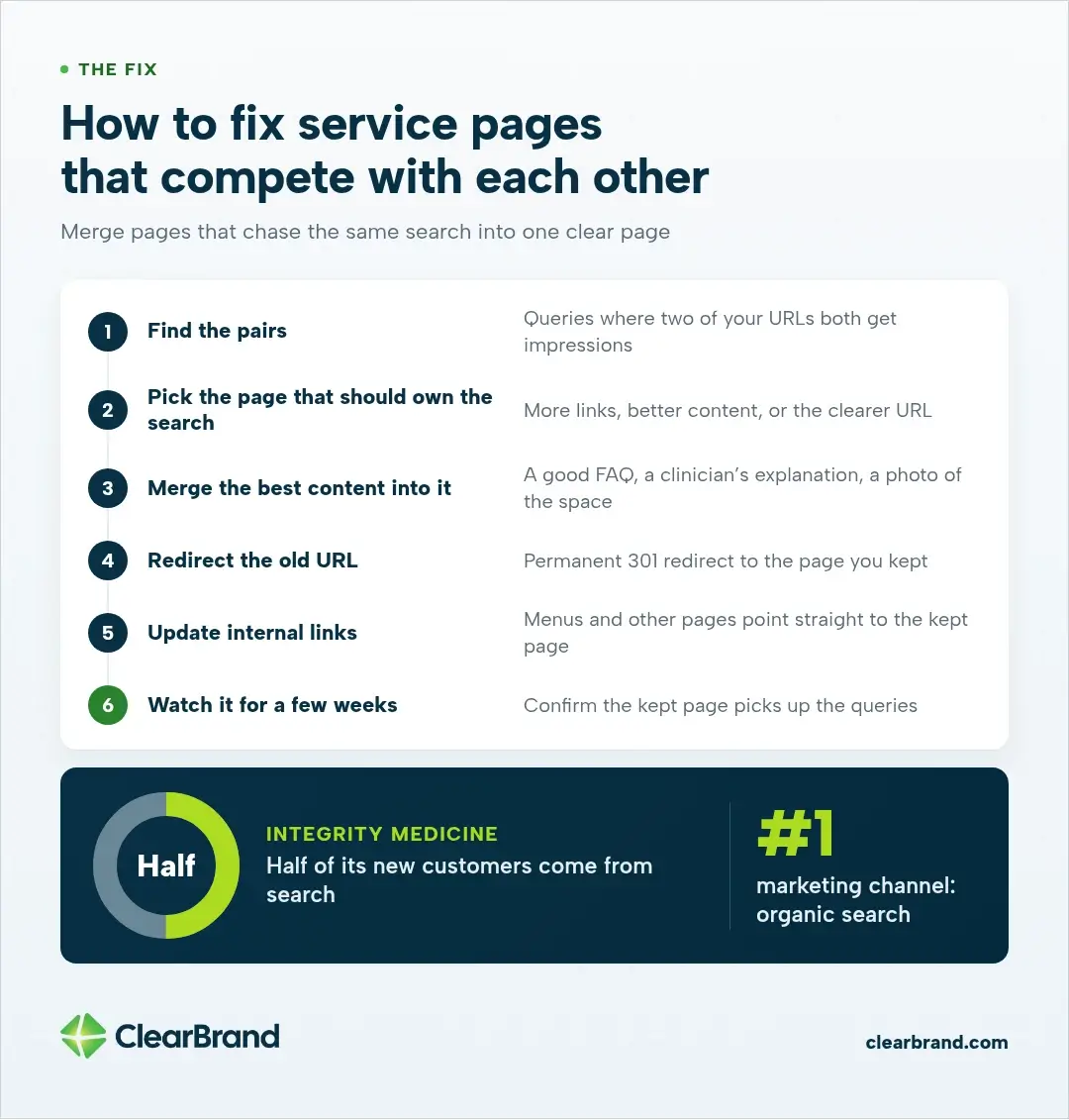
When two pages chase the same search, neither one often ranks as well as one clear page would. To fix it:
- Find the pairs. In the Google Search Console Performance report, look for queries where two of your URLs both get impressions, or trade places from week to week.
- Pick the page that should own the search. Usually it’s the one with more links, better content, or the clearer URL.
- Merge the best content into it. Keep anything useful from the other page: a good FAQ, a clinician’s explanation, a photo of the space.
- Redirect the old URL. Use a permanent 301 redirect to the page you kept, as Google’s guide to redirects describes.
- Update internal links so menus and other pages point straight to the kept page.
- Watch it for a few weeks in Search Console and confirm the kept page picks up the queries.
We did this for Integrity Medicine, a Direct Primary Care practice in Newton and Andover, Kansas. Several pages on its site were competing for the same searches. Where that happened, we combined them so one page owns each search. Today organic search is the practice’s #1 marketing channel, and half of its new customers come from search. Read the Integrity Medicine case study.
What every clinic service page needs
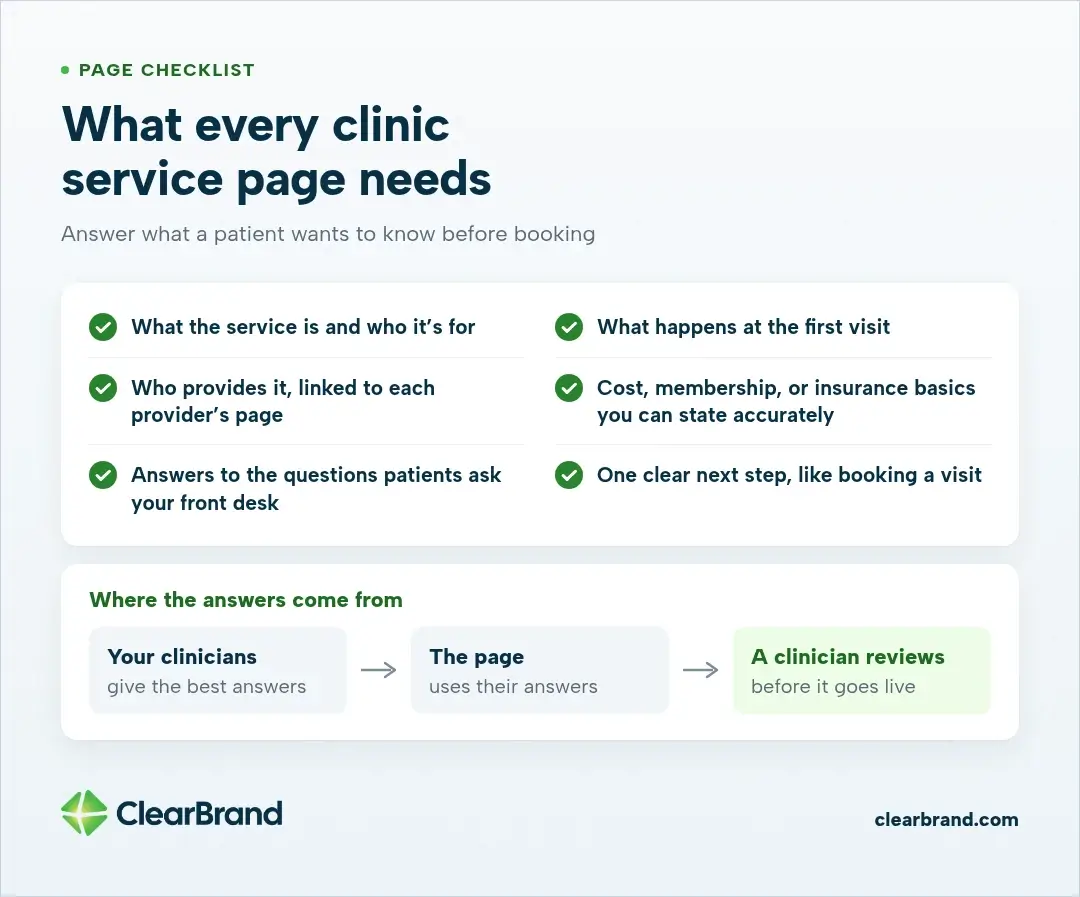
A service page should answer what a patient wants to know before booking:
- What the service is and who it’s for
- What happens at the first visit
- Who provides it, with a link to each provider’s page
- Cost, membership, or insurance basics you can state accurately
- Answers to the questions patients actually ask your front desk
- One clear next step, like booking a visit or a free meet-and-greet
Name the clinician, show credentials, and keep a review date on health pages. Google holds health content to a higher standard than most topics, and AI answers prefer sources that make that authorship easy to see.
The best answers come from your clinicians. For Integrity Medicine, we sit down with founder Robert Roeser, D.O., in regular check-ins, and his answers on real prices, insurance timing, and same-day access go straight into the pages. Have a clinician review every page before it goes live, and keep a review routine like the one in our guide to healthcare content marketing.
Schema for clinic service lines
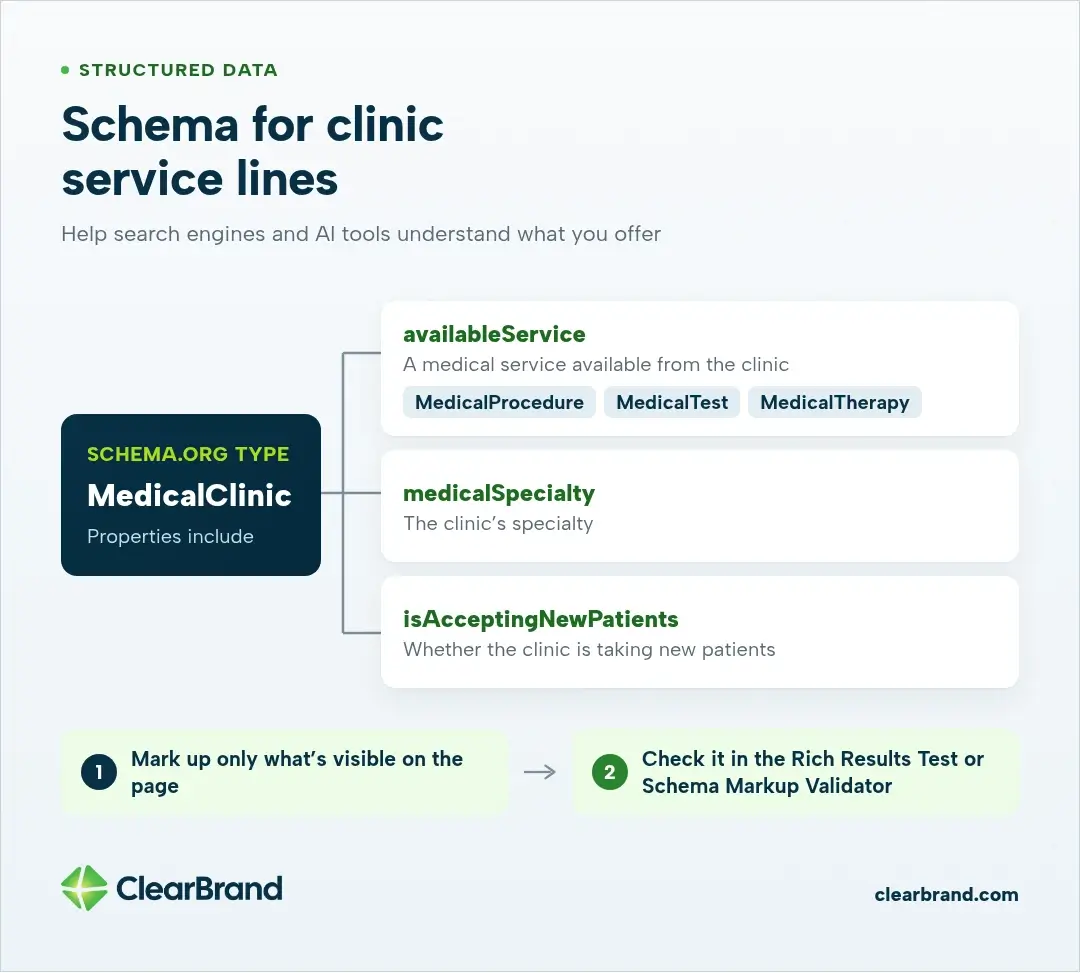
Structured data helps search engines and AI tools understand what your clinic offers. On schema.org, the MedicalClinic type includes properties for:
- availableService, a medical service available from the clinic (a MedicalProcedure, MedicalTest, or MedicalTherapy)
- medicalSpecialty, the clinic’s specialty
- isAcceptingNewPatients, whether the clinic is taking new patients
Mark up only what’s visible on the page, and check your markup with Google’s Rich Results Test or the Schema Markup Validator before you publish.
Make service pages easy for AI answers to cite
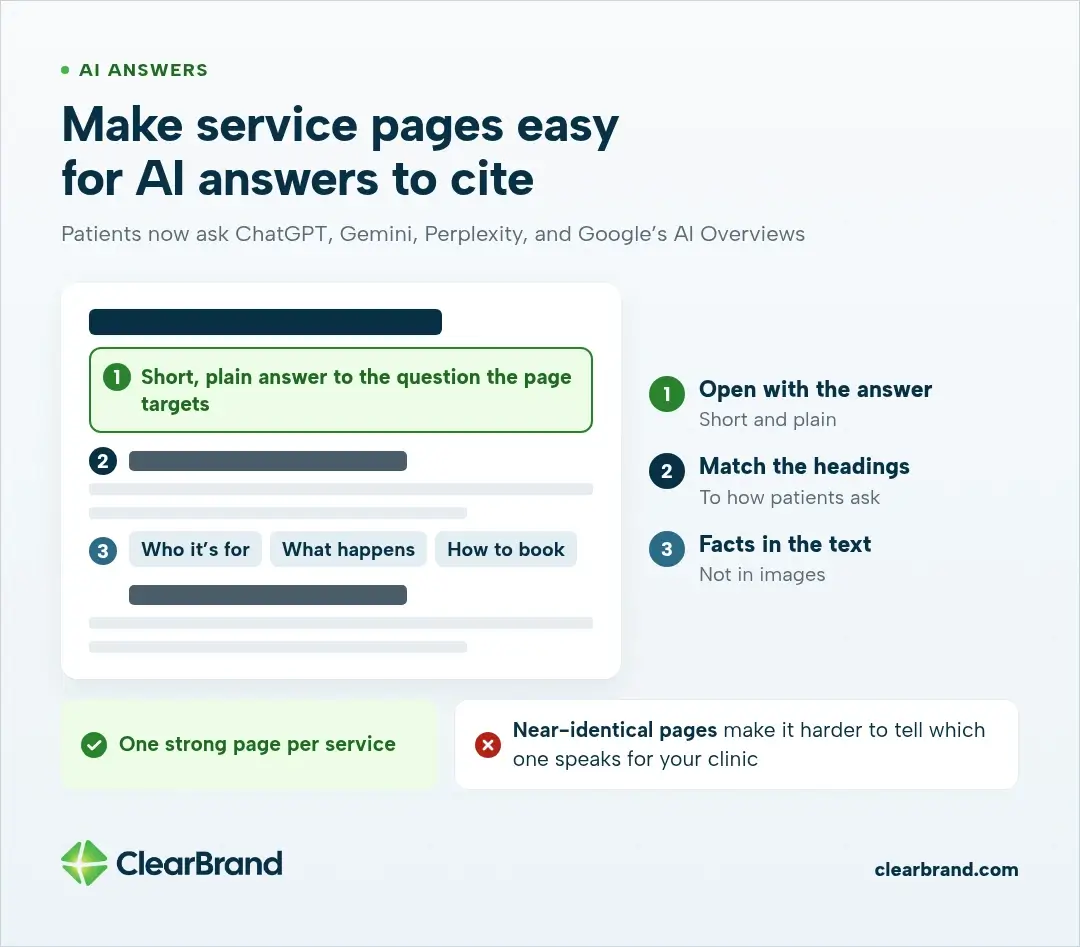
Patients now ask ChatGPT, Gemini, Perplexity, and Google’s AI Overviews about symptoms, treatments, and where to get care. A clear service page helps there too. Open with a short, plain answer to the question the page targets, use headings that match how patients ask, and put the facts a patient needs (who it’s for, what happens, how to book) in the text rather than in images.
One strong page per service also helps here. When several near-identical pages compete, it’s harder for any tool to tell which one speaks for your clinic. Our healthcare SEO guide covers how AI search chooses health sources in more depth.
How to measure service-line SEO
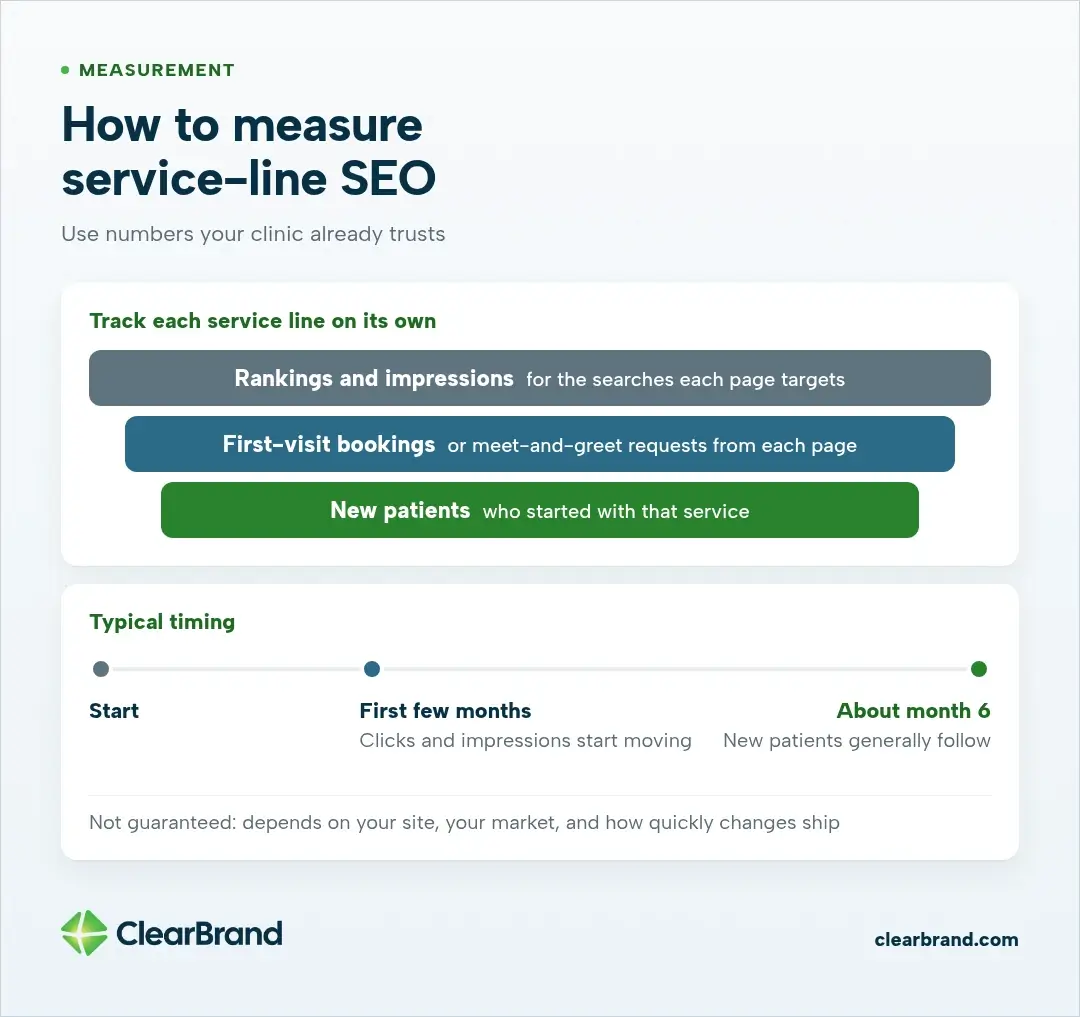
Measure each service line on its own, so you can see which ones bring patients:
- Rankings and impressions for the searches each service page targets, including whether the page is showing up in AI answers
- First-visit bookings or meet-and-greet requests from each page
- New patients who started with that service
Integrity Medicine tracks free meet-and-greets and the new patients added to each doctor’s panel every month, the same numbers the practice uses to run the business. Use numbers your clinic already trusts, and be careful about what patient information reaches your analytics tools. Our guide to medical practice marketing covers measuring with HIPAA in mind.
Clicks and impressions generally start moving in the first few months. New patients generally follow by about month 6. Nobody can guarantee that timing, since it depends on your site, your market, and how quickly changes ship.
Frequently asked questions
What is medical clinic SEO?
Medical clinic SEO is improving a clinic’s website and local presence so patients find it in Google search, on Google Maps, and in AI answers when they look for the care the clinic provides. It covers service pages, provider pages, technical health, supporting content, and measurement tied to new patients. This guide is about the service pages.
What is SEO in healthcare?
SEO in healthcare is the same work, applied to hospitals, clinics, and practices: getting accurate pages in front of people who are searching for a service, a condition, a provider, or a location. Healthcare pages are held to a higher standard for accuracy and authorship than most other topics. The service-line structure in this article is how a clinic does that work without creating a pile of overlapping pages.
Should every service have its own page?
Give a service its own page when patients search for it by name and it has its own care details, a clinician who offers it, and a way to book. Smaller services work well as sections on a broader page.
Are city pages doorway pages?
City pages become doorway pages when they’re near-copies of each other for towns where you don’t have an office. A page for a real office with details only true for that office is a location page. Our multi-location guide shows the difference.
How do I know if my pages are competing with each other?
Look in Google Search Console for queries where two of your URLs both show up or trade places over time. If the two pages would give a patient the same answer, combine them.
What schema should a medical clinic use?
Start with MedicalClinic for the clinic, with availableService for the services you offer, and Physician for provider pages. Only mark up information that’s visible on the page.
How long does SEO take for a medical clinic?
Clicks and impressions generally move in the first few months, and new patients generally follow by about month 6. Timing depends on your site and market and isn’t guaranteed.
Is SEO dead or evolving in 2026?
SEO is evolving, not dead. AI Overviews and chat tools now sit above many search results, and patients use them to ask about symptoms and where to get care. Those answers still come from clear, accurate pages. The service pages in this guide are the same pages Google ranks and the same pages AI tools can cite. The work has not gone away. The pages have to answer the question plainly.
What are the best medical SEO companies in the US?
There is no official ranking, and a long list of agency names is not a useful way to hire. Look at results the firm has published on its own site, whether it has done healthcare work you can actually check, whether it talks about service pages and overlapping URLs (not only about listings and reviews), and whether it measures success in patients rather than rankings alone. We do this work for clinics and practices. If you want a second set of eyes on your service pages, get a free SEO audit.
What are some good SEO keywords for the healthcare industry?
The useful keywords are the ones your patients already type: the service, the condition, and sometimes the provider, often with a city. “Sports physical,” “knee pain,” “primary care in [city],” and a doctor’s name are typical. Use the words patients use on the one page that owns that service. Do not build a separate page for every synonym. A keyword research tool can help you confirm volume, but the four checks in this article decide whether a term deserves its own URL.
Build the service pages patients are searching for
If your services are scattered across a single list or a pile of similar pages, a clear structure is usually the first fix. We help clinics and practices build service pages from their clinicians’ own answers and measure them in new patients. See our healthcare SEO agency work, or get a free SEO audit with a 90-day plan you keep either way.